
Htaccess Password Protection Generator - Apache Guide
Create Apache .htaccess password-protection rules with authentication directives, a password-file path, and access controls. Review and configure your setup.
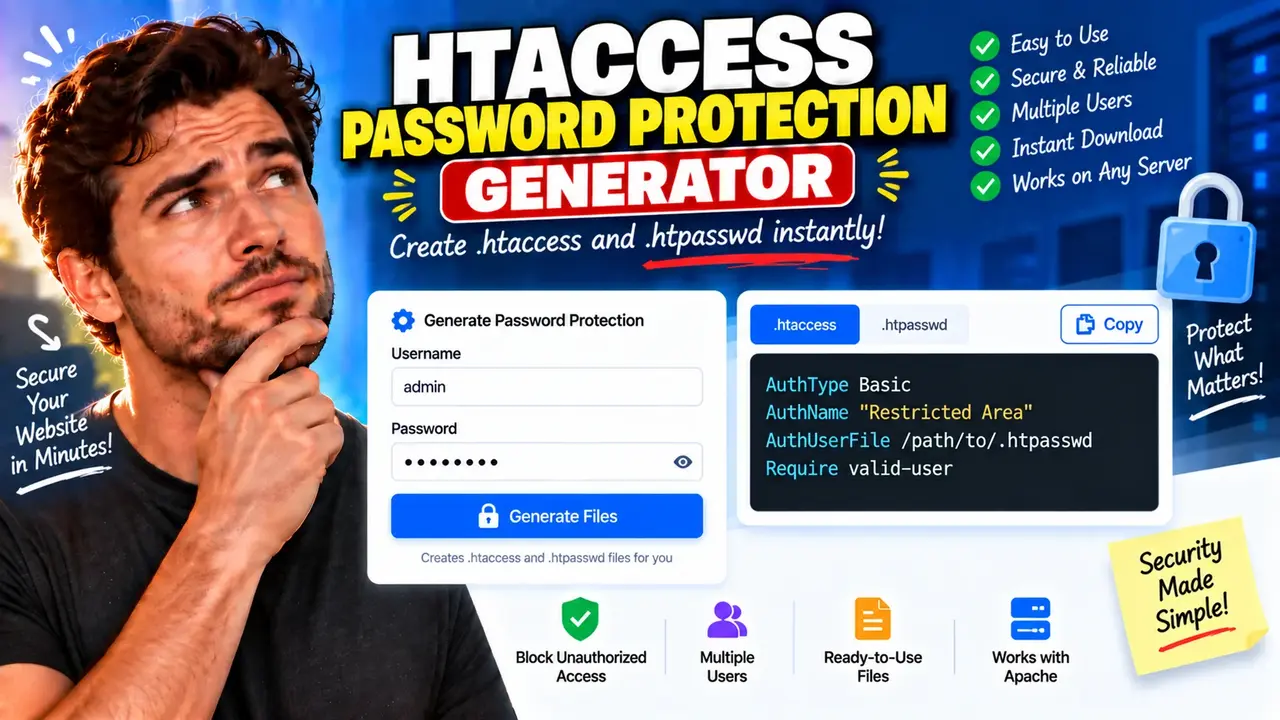
Htaccess Password Protection Generator
Quick answer: The Htaccess Password Protection Generator creates Apache .htaccess configuration directives for protecting a website directory with HTTP Basic Authentication. It helps website owners configure an authentication prompt using an .htaccess file and an associated .htpasswd password file.
The Htaccess Password Protection Generator is a developer utility for creating configuration code that restricts access to selected website directories. It is useful when preparing private development areas, staging sites, preview pages, internal documentation, and other web resources that should require login credentials.
Apache HTTP Server supports directory-level authentication through directives such as AuthType, AuthName, AuthUserFile, and Require. The generated configuration connects these directives so Apache can request credentials and verify users against an authentication provider. See the official Apache authentication documentation for the underlying configuration model.
What Does the Generator Produce?
The intended output is an Apache configuration snippet that can be placed in an appropriate .htaccess file. A typical HTTP Basic Authentication configuration looks like this:
AuthType Basic
AuthName "Restricted Area"
AuthBasicProvider file
AuthUserFile "/home/example/private/.htpasswd"
Require valid-user
This example is an illustrative Apache 2.4 configuration, not a verified output from a live instance of this particular generator. Replace the example password-file path with the actual server-side path before deployment.
The configuration does not itself create user accounts or generate the associated password file. The administrator must create that file using an appropriate Apache utility, such as htpasswd, and ensure Apache can read it.
How to Use Htaccess Password Protection Generator?
- Configure the authentication realm: Choose a descriptive label, such as
Restricted Area. Apache usesAuthNameto identify the protected authentication area. - Set the password-file path: Enter the actual filesystem path to the corresponding
.htpasswdfile if the generator provides a path field. - Generate the configuration: Use the generator's available controls to produce the directives. The exact fields and options depend on the implemented interface.
- Install and test: Place the generated configuration in the intended directory, create the password file separately, and test both valid and invalid credentials.
Because the supplied information identifies the tool by name and OG image only, its exact input fields, optional settings, and output controls have not been verified. The instructions above describe the standard Apache workflow rather than claiming that every listed setting exists in the generator interface.
Input and Output Example
Consider a staging website at staging.example.com with a directory that should only be accessible to authorized reviewers.
Example configuration requirements
- Authentication method: HTTP Basic Authentication.
- Authentication realm:
Staging Review. - Password file:
/home/example/private/.htpasswd. - Access policy: any valid user in the configured authentication provider.
Illustrative output
AuthType Basic
AuthName "Staging Review"
AuthBasicProvider file
AuthUserFile "/home/example/private/.htpasswd"
Require valid-user
Require valid-user allows access to users successfully authenticated by the configured provider. It does not create an account or determine which individual accounts should exist; those details are managed in the password file.
Apache Directive Reference
The following table explains the core directives commonly used in a file-based Apache 2.4 password-protection configuration.
| Directive | Purpose | Configuration consideration |
|---|---|---|
AuthType Basic |
Selects HTTP Basic Authentication. | Use HTTPS to protect credentials in transit. |
AuthName "Restricted Area" |
Defines the authentication realm. | Use a meaningful label for the protected resource. |
AuthBasicProvider file |
Selects file-based credential verification. | The relevant Apache authentication module must be available. |
AuthUserFile "/path/.htpasswd" |
Specifies the server-side credential file. | Use the real filesystem path and keep the file outside the publicly served document tree. |
Require valid-user |
Allows any successfully authenticated user. | Use a user-specific authorization rule if access should be limited to named accounts. |
Directive behavior is documented in the official Apache references for mod_auth_basic and authentication and authorization.
How the Configuration Works
Apache processes the directives within the applicable directory configuration. The authentication type determines how the client supplies credentials, the provider determines how credentials are checked, and the authorization rule determines which authenticated requests are permitted.
- Authentication: The server challenges a visitor who requests a protected resource.
- Credential verification: Apache checks the submitted credentials using the configured provider and password file.
- Authorization: Apache evaluates
Requireto decide whether the authenticated user may access the resource.
The .htaccess method works only when the server configuration allows the required authentication directives in per-directory files. For Apache 2.4, the server administrator should verify the applicable AllowOverride or AllowOverrideList settings and the required modules.
Edge Cases and Limitations
- Incorrect password-file path: Apache may be unable to read the credential file, preventing successful authentication. Check the absolute path and filesystem permissions.
- Missing password file: The configuration alone does not provision accounts. Create the file before relying on the protection.
- Unsupported overrides: If the hosting environment disables authentication directives in
.htaccess, the configuration may fail or be ignored. Server-level configuration changes may be required. - Wrong authorization rule:
Require valid-userpermits every valid account in the configured provider. It is not equivalent to allowing only one named user. - Legacy Apache syntax: Apache 2.2 access-control examples may not work as intended on Apache 2.4. Check the documentation for the installed server version.
- Credential transport: Basic Authentication is not encryption by itself. Use HTTPS to protect credentials in transit.
Security and Deployment Considerations
Keep the .htpasswd file outside the public document root whenever possible. This reduces the risk of exposing the credential file through an ordinary web request. Protect it with suitable filesystem permissions and use an appropriate password-hashing format supported by the server's authentication module.
HTTP Basic Authentication should be used over HTTPS. It is a directory access-control mechanism, not a substitute for comprehensive application authorization, secure account management, or protection against every form of unauthorized access. For sensitive resources, review the deployment with the server administrator and follow the official Apache security guidance.
The generator's processing location, data retention behavior, supported options, and exact output-validation behavior have not been established from the supplied tool details. No claims about local-only processing, storage, or automatic server deployment should be inferred.
Frequently Asked Questions
Does the generator create the .htpasswd file?
The configuration example references a password file, but the supplied tool information does not establish that the generator creates it. Use Apache's htpasswd utility or another compatible administrative method to create and manage credentials.
What does AuthUserFile mean?
AuthUserFile specifies the filesystem path Apache uses to locate the file containing user credentials. It is not a website URL. Use the real server path and keep the credential file outside the public document tree where practical.
Can I restrict access to one username?
Yes. Apache supports user-specific authorization rules. For example, Require user reviewer restricts access to the named user, provided that account exists in the configured authentication provider.
Why might the .htaccess rules fail?
Possible causes include disabled authentication overrides, unavailable Apache modules, an incorrect password-file path, insufficient filesystem permissions, or invalid directive syntax. Check the Apache error log and the server's directory configuration.
Is HTTP Basic Authentication secure without HTTPS?
No. Basic Authentication does not encrypt credentials by itself. Use HTTPS so the authentication exchange is protected in transit.
Does generating the configuration activate protection automatically?
No. Generating configuration text does not deploy it to a server. The directives must be installed in the correct location, the credential file must exist, and the server must permit the required configuration.
Author Information
Author Name: Daniel Mercer
Author Description: Software and Web Infrastructure Writer focused on Apache HTTP Server configuration, web access control, and developer utilities.
Technical Review: This page explains the standard Apache 2.4 file-based HTTP Basic Authentication directives and deployment considerations. Verify all configuration against the actual server environment before production use.
