
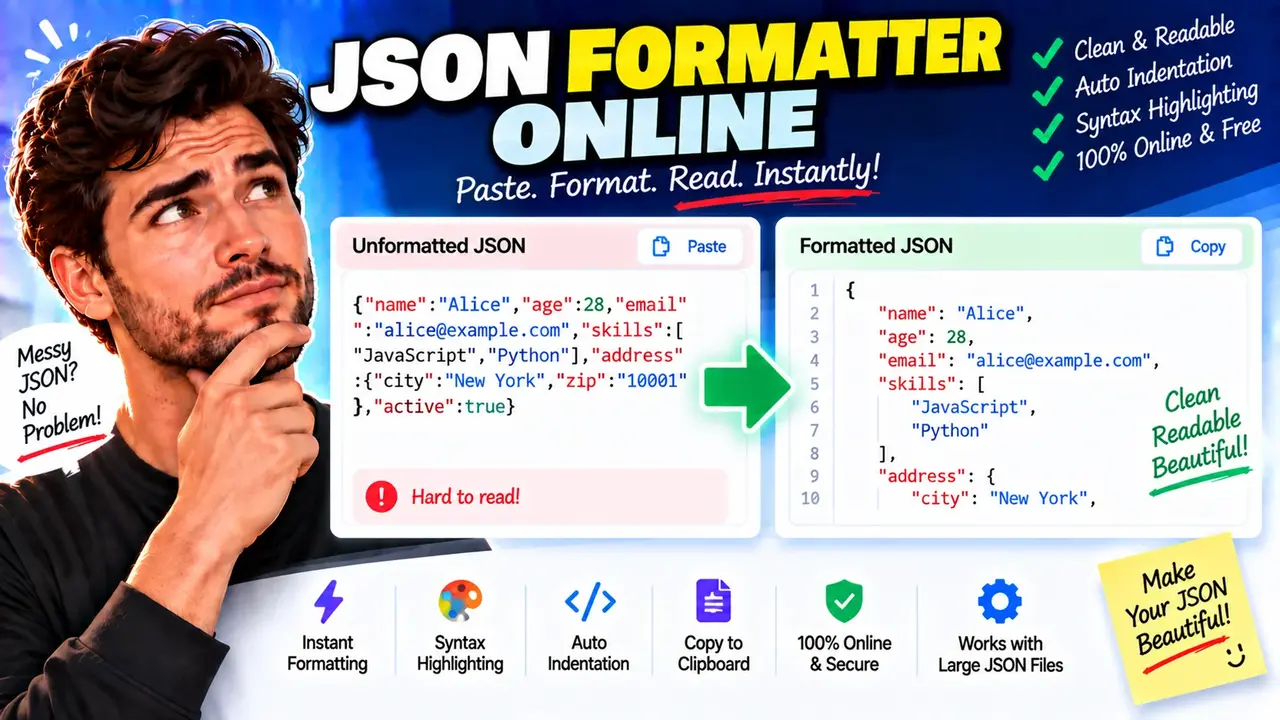
Free Json Formatter Online - Prettify & Validate
Quick answer: Free Json Formatter Online - Prettify & Validate is a JSON formatting and validation utility designed to make JSON (JavaScript Object Notation) easier to read and inspect. It accepts JSON text and, when the input is valid, produces a consistently indented representation that preserves the underlying data structure. Validation helps identify malformed JSON before it is used in an API request, configuration file, or application.
JSON is a text-based data interchange format used for API responses, application settings, structured records, and communication between software systems. Although compact JSON is convenient for transmission, it can be difficult to inspect when objects and arrays are compressed onto a single line. A JSON formatter adds whitespace and indentation to make nested properties, values, and collections easier to understand.
Free Json Formatter Online - Prettify & Validate is intended for developers, QA engineers, students, data analysts, and anyone who needs to inspect JSON data. Common use cases include debugging API responses, reviewing configuration files, checking request payloads, and identifying syntax problems before passing data to a JSON parser.
Key Takeaways
- Primary function: Format JSON text and help validate its syntax.
- Input: A JSON document represented as text.
- Expected output: Readable, indented JSON when the input is valid.
- Typical uses: API debugging, configuration review, and structured-data inspection.
- Important distinction: Valid JSON is not necessarily valid application data; application-specific rules may require additional validation.
How to Use Free Json Formatter Online - Prettify & Validate?
- Enter JSON text. Paste a JSON object, array, or another valid JSON value into the input area.
- Run the formatter or validator. Use the available action to check the syntax and format the document.
- Inspect the result. Review indentation, nested objects, arrays, strings, numbers, booleans, and null values.
- Correct errors if necessary. If validation fails, inspect the indicated location or review common JSON syntax mistakes and try again.
- Reuse the output. Copy the formatted text into your editor, API client, configuration file, or development workflow using the available interface controls.
The exact controls, error-message format, indentation options, and copy or download features depend on the deployed tool interface. Only use controls that are actually available on the page.
JSON Input and Formatted Output Example
Consider this compact JSON object representing an API user record. It contains nested data, an array, a Boolean value, and a null value.
Input: Compact JSON
{"id":1042,"name":"Maya Chen","active":true,"roles":["editor","reviewer"],"profile":{"department":"Engineering","timezone":null}}Output: Pretty-Printed JSON
{
  "id": 1042,
  "name": "Maya Chen",
  "active": true,
  "roles": [
    "editor",
    "reviewer"
  ],
  "profile": {
    "department": "Engineering",
    "timezone": null
  }
}
The formatted version makes the hierarchy visible without changing the values or relationships. The roles property remains an array, while profile remains a nested object. The value true remains a Boolean, and null remains a JSON null value rather than becoming a string.
JSON Value and Formatting Reference
JSON supports six value categories: objects, arrays, strings, numbers, Booleans, and null. A formatter changes presentation whitespace; a syntax validator checks whether the document follows JSON grammar.
| JSON element | Example | Formatting and validation rule |
|---|---|---|
| Object | {"city":"Austin"} |
Contains key-value pairs inside curly braces. Property names must be strings enclosed in double quotes. |
| Array | ["red","blue"] |
Contains ordered values inside square brackets. Each element must be a valid JSON value. |
| String | "status":"ready" |
String values use double quotes. Special characters such as quotation marks and backslashes require valid escaping. |
| Number | "count":12 |
JSON numbers do not use quotation marks. Leading zeros in ordinary integer notation and non-JSON numeric tokens can make input invalid. |
| Boolean | "enabled":false |
Uses the lowercase literals true and false. |
| Null | "value":null |
Uses the lowercase literal null to represent an explicit null value. |
| Nested structure | {"user":{"id":7}} |
Indentation exposes parent-child relationships but does not change the nesting itself. |
How JSON Formatting and Validation Work
JSON formatting and validation are related but different operations. A typical formatter first parses the input as JSON. If parsing succeeds, it serializes the resulting data structure with indentation and line breaks. If parsing fails, the document contains syntax that the parser cannot accept, and the formatter cannot reliably produce a normalized JSON document from that input.
For example, the following input is invalid JSON:
{
  "name": "Maya",
  "active": true,
}
The trailing comma after true is not permitted in standard JSON. The corrected input is:
{
  "name": "Maya",
  "active": true
}
Likewise, single-quoted strings, unquoted property names, comments, and values such as undefined are not valid standard JSON. They may appear in JavaScript object literals or JSON-like configuration formats, but those formats are not interchangeable with strict JSON.
Formatting Does Not Change the Data Model
For valid JSON, pretty-printing ordinarily changes insignificant whitespace outside strings while retaining the document's values and nesting. It does not automatically rename fields, convert strings to numbers, remove duplicate keys, check business rules, or verify that an API accepts the document.
For example, "1042" is a string, whereas 1042 is a number. A formatter should not silently treat these as equivalent. Similarly, an empty array [] and an empty object {} are different JSON values and must remain distinct.
Common JSON Errors and Edge Cases
| Problem | Invalid example | Correction or explanation |
|---|---|---|
| Single quotes | {'name':'Maya'} |
Use double quotes: {"name":"Maya"}. |
| Unquoted property | {name:"Maya"} |
Quote the property name and string value. |
| Trailing comma | {"active":true,} |
Remove the comma before the closing brace. |
| Missing comma | {"id":7 "active":true} |
Separate adjacent properties with a comma. |
| Invalid literal | {"value":undefined} |
Choose a supported JSON value, such as null, if appropriate for the application. |
| Invalid escape | {"path":"C:\new"} |
Escape backslashes when they are intended literally; for example, "C:\\new". |
| Empty input | An empty document is not a complete JSON value. Supply an object, array, or other valid JSON value. | |
| Duplicate keys | {"id":1,"id":2} |
Duplicate object names can be accepted by parsers but may produce inconsistent results. Use unique keys and verify application expectations. |
Technical Limitations and Data Safety
- Syntax versus schema: Successful JSON parsing does not confirm required fields, data types, ranges, or business constraints. Use a JSON Schema validator or application-level validation when those checks are required.
- Large documents: Very large or deeply nested input can require substantial memory and processing time. The actual limits depend on the implementation and browser environment.
- JSON-like formats: Comments, trailing commas, and other extensions may be supported by some specialized parsers, but they are not part of standard JSON syntax.
- Numeric precision: Consumers using IEEE 754 double-precision numbers may not preserve every integer exactly beyond the safe integer range commonly associated with JavaScript. Check downstream requirements for financial or high-precision data.
- Duplicate property names: Parser behavior can vary when a JSON object repeats a key. Do not rely on duplicate keys to represent multiple values.
- Privacy: The processing location, upload behavior, and retention policy of this particular deployment have not been established here. Avoid pasting passwords, access tokens, private keys, personal records, or other confidential data unless the site's verified privacy practices permit it.
For the normative JSON syntax, consult the IETF RFC 8259: The JavaScript Object Notation (JSON) Data Interchange Format. For JavaScript parsing behavior, see the MDN documentation for JSON.parse().
Frequently Asked Questions
Does formatting JSON change its values?
Pretty-printing valid JSON should change whitespace and layout, not the intended values or nesting. It does not make a string equivalent to a number or an array equivalent to an object.
Why does a JSON formatter reject trailing commas?
Standard JSON does not allow a comma immediately before the closing brace of an object or the closing bracket of an array. Remove the trailing comma and validate the document again.
Can JSON contain comments?
No. Standard JSON does not support line comments or block comments. If a configuration file uses comments, confirm whether it is actually JSONC or another extended format before using a strict JSON formatter.
What is the difference between formatting and validation?
Formatting improves indentation and readability. Syntax validation checks whether the input follows JSON grammar. Neither operation automatically proves that the document meets an API's business rules or a JSON Schema.
Can a JSON formatter validate an API response?
It can help check whether the response body is syntactically valid JSON. Confirming that the response has the expected fields, types, status codes, and application-specific meaning requires additional checks.
Why can duplicate JSON keys be a problem?
JSON objects are intended to represent name-value pairs, but duplicate names can be handled differently by software. Use unique property names to avoid ambiguity and improve interoperability.
Is it safe to paste confidential JSON into this tool?
That depends on the deployed implementation and its privacy policy. Because local-only processing and data-retention behavior have not been verified, remove secrets and sensitive values before submitting data.
Author
Author Name: Daniel Brooks
Author Description: Software engineer specializing in structured data, API integration, and developer tooling.
Technical Review: The JSON syntax explanations, formatting examples, and validation distinctions are based on the standard JSON grammar and established parser behavior. The implementation-specific controls and processing model should be verified against the deployed tool before publication.
