
Online Json To Toml Converter | Free & Easy Tool
Convert JSON objects, arrays, strings, numbers, and booleans to TOML configuration syntax. Review nested tables and edge cases before using output in your project.
Loading tool… if this message stays, JavaScript is blocked or failed to load — check your connection and console, then reload.
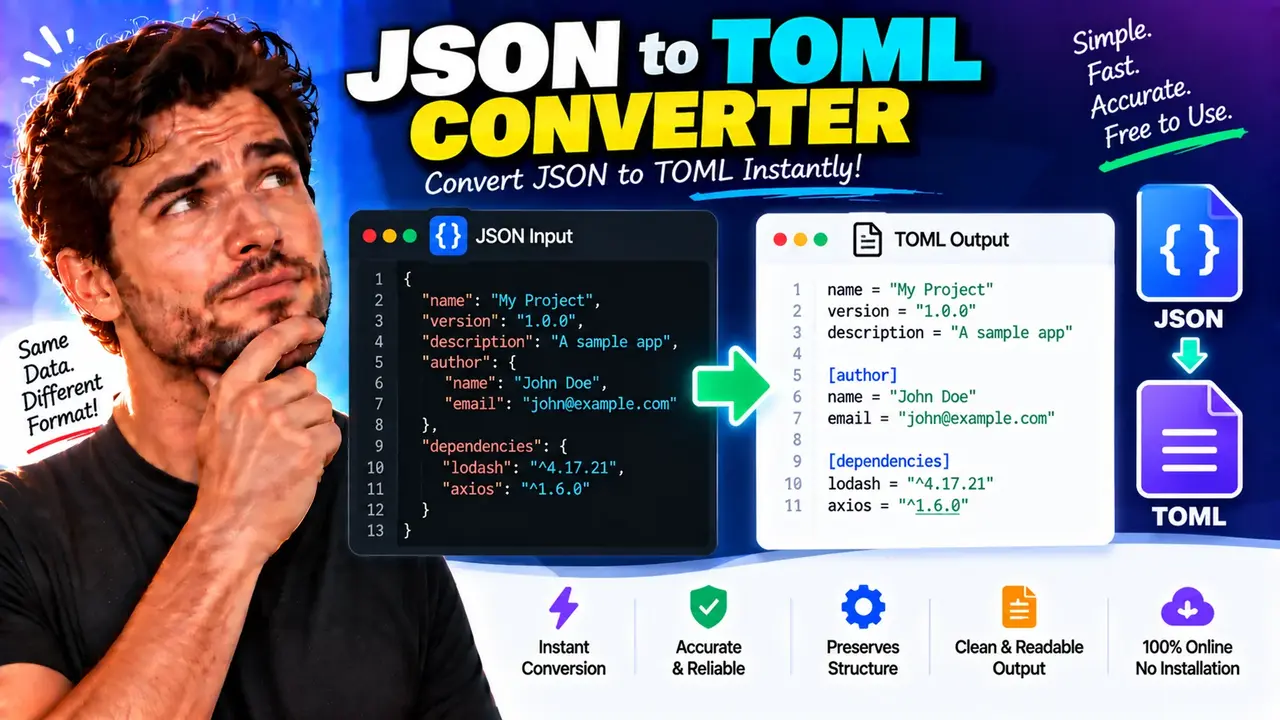
Online JSON to TOML Converter | Free & Easy
Quick answer: The Online JSON to TOML Converter transforms JSON (JavaScript Object Notation) data into TOML (Tom's Obvious, Minimal Language) configuration syntax. It is useful for developers who need to represent JSON objects as structured configuration files while preserving supported values, arrays, and nested objects.
The Online JSON to TOML Converter helps translate JSON data into a configuration format designed to be readable and maintainable. JSON is widely used for APIs, application data, and data exchange, while TOML is commonly used for configuration files. Converting between the formats can make existing JSON data easier to adapt for projects that use TOML-based configuration.
Use the converter with valid JSON containing objects, strings, numbers, booleans, arrays, and nested structures. Review the resulting TOML before using it in an application, especially when the input contains dates represented as strings, mixed-type arrays, deeply nested objects, or values whose interpretation depends on the target application's configuration rules.
Key Takeaways
- Input: JSON text representing structured data.
- Output: TOML-formatted configuration text.
- Primary use: Adapting JSON configuration and structured objects to TOML syntax.
- Important distinction: JSON and TOML have different data types and syntax rules, so the converted output should be checked before deployment.
How to Use Online JSON to TOML Converter?
- Prepare valid JSON: Start with a JSON object containing the settings or data you want to convert. Use double quotes around JSON property names and string values, and remove trailing commas.
- Enter the input: Paste your JSON into the converter's input area, using the interface provided by the tool.
- Convert the data: Run the conversion using the available control. The intended result is a TOML representation of the JSON structure.
- Review the output: Inspect nested tables, arrays, strings, numbers, and booleans. Copy or save the output using the controls available in the actual interface.
Note: The exact interface controls, export options, validation behavior, and processing location have not been established from the supplied tool details. This page therefore does not claim a specific upload workflow, download feature, client-side execution model, or privacy guarantee.
JSON to TOML Conversion Example
Consider this JSON object containing application configuration. Its string, integer, boolean, and nested-object values illustrate common conversion cases.
Input: JSON
{
  "app": {
    "name": "Task Manager",
    "port": 8080,
    "debug": false
  },
  "database": {
    "host": "localhost",
    "port": 5432
  },
  "features": ["search", "reports", "export"]
}
Expected output: TOML
[app]
name = "Task Manager"
port = 8080
debug = false

[database]
host = "localhost"
port = 5432

features = ["search", "reports", "export"]
This example illustrates the standard TOML representation of the supplied JSON structure. The top-level nested objects become TOML tables, scalar properties become key-value assignments, and the string array remains an array. The exact formatting produced by a particular converter may differ.
JSON to TOML Type Mapping Reference
JSON and TOML overlap in their support for common configuration values, but their syntax is not identical. The following table summarizes typical mappings for straightforward JSON inputs.
| JSON input | Typical TOML representation | Conversion consideration |
|---|---|---|
"name": "Example" |
name = "Example" |
String values use TOML string syntax. |
"enabled": true |
enabled = true |
Boolean literals are lowercase. |
"count": 42 |
count = 42 |
Integer values retain numeric meaning when representable. |
"ratio": 0.75 |
ratio = 0.75 |
Floating-point values use TOML numeric syntax. |
"tags": ["api", "cli"] |
tags = ["api", "cli"] |
Array elements must conform to TOML's array rules. |
"server": {"port": 8080} |
[server] port = 8080 |
A nested JSON object is commonly represented as a TOML table; the key-value line belongs below the table header. |
"metadata": null |
No direct TOML null equivalent | The target schema needs an explicit policy for null values. |
The table describes conventional mappings, not a verified list of implementation-specific behaviors. In particular, null values cannot be represented directly in TOML, so a converter must choose how to handle them or report that the value is unsupported.
How Does JSON to TOML Conversion Work?
JSON represents structured data using objects, arrays, strings, numbers, booleans, and null. TOML expresses configuration using key-value pairs, tables, arrays, and its own literal syntax. A converter must translate both the values and the structure rather than simply replace punctuation.
- Object properties: Properties of a JSON object generally become TOML key-value assignments.
- Nested objects: Nested objects are commonly represented as named TOML tables, with headers such as
[database]. - Arrays: JSON arrays become TOML arrays when their elements can be represented under the applicable TOML rules.
- Strings: JSON strings must be escaped and quoted appropriately for TOML. Special characters and multiline text need careful handling.
- Numbers and booleans: Numeric and boolean values are emitted using TOML-compatible literals, subject to the representable value range and syntax.
- Null values: JSON's
nullhas no native TOML equivalent. Such values require an explicit conversion policy, omission, or an error.
For authoritative syntax details, consult the official TOML specification and the JSON data interchange format reference.
Technical Edge Cases and Limitations
Invalid JSON
Malformed JSON, including missing quotation marks, unmatched braces, or trailing commas, is not valid input. Correct the source before conversion. The exact error messages and validation behavior depend on the converter implementation.
Null values
TOML does not provide a native null value. If a JSON object includes null, verify whether the converter rejects it, omits the property, or uses another documented policy. Do not assume that the resulting configuration preserves null semantics.
Nested objects and arrays of objects
Nested structures may require TOML table headers or arrays of tables. Complex arrays of objects deserve special attention because table ordering and nested paths affect the resulting document structure.
Dates and timestamps
JSON represents dates and timestamps as strings unless an application defines another convention. TOML supports date and time types, but converting a JSON string into a native TOML date-time value changes its type. A conversion should not make that change implicitly unless it is intended.
Large integers and floating-point values
Check precision when JSON numbers pass through implementations that use floating-point number representations. Very large integers or high-precision decimal values may need special treatment to avoid changing their original values.
Duplicate keys and key names
JSON parsing behavior around duplicate object keys can vary by implementation, and TOML does not allow a key to be defined repeatedly in the same table. Unusual key names may also require quoting in TOML. Review the output for duplicate assignments and unexpected key normalization.
Privacy and processing
The supplied tool information does not establish whether conversion runs in the browser or on a remote server, or whether submitted input is stored. Avoid entering confidential configuration values unless the site's processing and privacy policies are understood.
Frequently Asked Questions
Can JSON be converted to TOML without changing the data?
Common strings, numbers, booleans, arrays, and objects can often be represented in TOML, but conversion is not always lossless. JSON null values, numeric precision, date interpretation, and unsupported structures can create differences that require review.
How are nested JSON objects represented in TOML?
Nested JSON objects are typically represented as TOML tables with headers such as [database]. Properties inside the object are then written as key-value pairs under the corresponding table.
How does TOML handle JSON null values?
TOML has no native null literal. A converter must reject, omit, or otherwise handle JSON null values according to its implementation. Check the result rather than assuming that null is preserved.
Are JSON arrays supported in TOML?
TOML supports arrays, so ordinary JSON arrays can often be converted directly. Verify arrays containing nested objects or mixed value types because their representation must follow the TOML specification.
Does converting a JSON date string create a TOML date-time?
Not necessarily. JSON treats date strings as strings, while TOML has native date and time types. A converter should preserve the string type unless its documented behavior or an intentional transformation specifies otherwise.
Is the Online JSON to TOML Converter private?
Its processing and storage behavior has not been verified from the supplied information. Check the website's privacy policy and technical documentation before converting secrets, credentials, tokens, or production configuration.
Related Technical References
- TOML official specification — syntax, tables, arrays, strings, numbers, and date-time values.
- JSON reference — the structure and value types of JSON data.
Author: Michael Turner, Software Engineer specializing in data formats and developer tooling.
Technical Review: The conversion examples and type-mapping guidance describe conventional JSON and TOML syntax. Actual null handling, numeric precision, parser behavior, and output formatting should be verified against the deployed converter before publication.
