
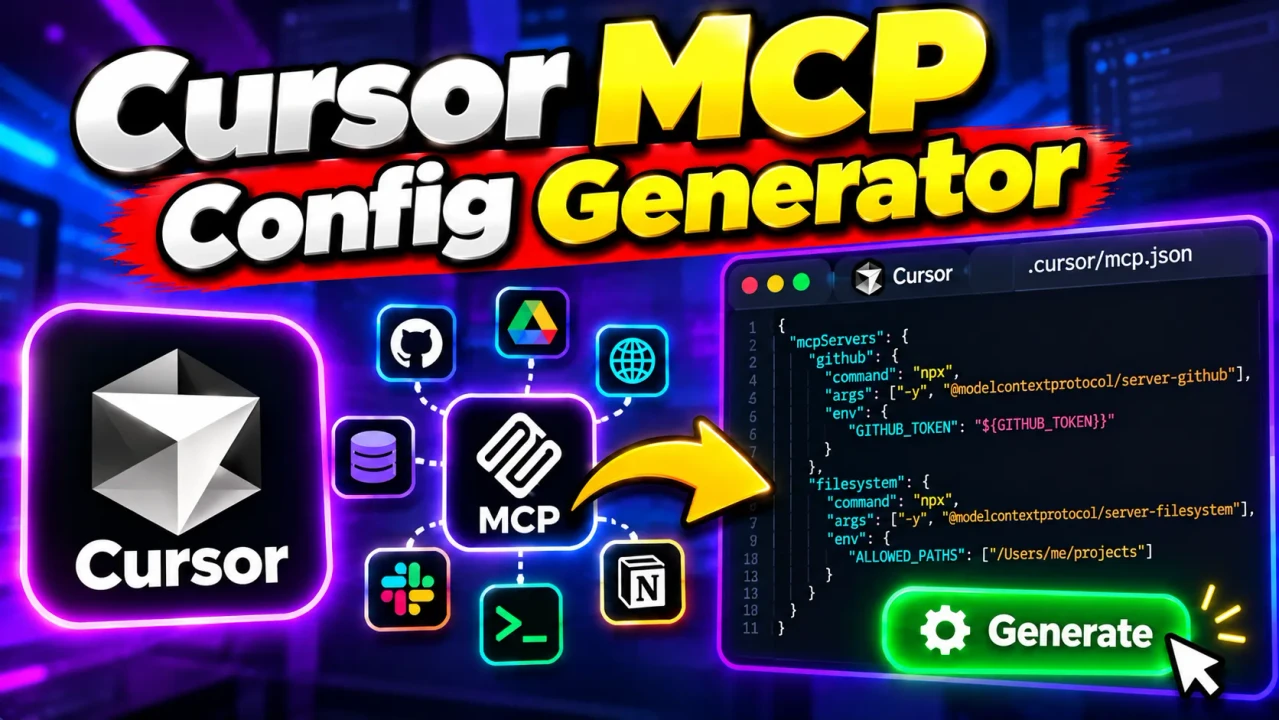
Cursor MCP Config Generator
Quick answer: Cursor MCP Config Generator is a developer utility that helps you create, validate, and prepare Model Context Protocol (MCP) server configuration for Cursor. It accepts server details, commands, arguments, environment variables, URLs, headers, or existing JSON and produces a structured configuration you can copy or download for use with Cursor.
Cursor MCP Config Generator simplifies the process of preparing mcp.json entries for local and remote MCP servers. Instead of manually constructing nested JSON, you can enter configuration values through a guided interface, review validation feedback, and generate configuration ready to inspect and use in your development environment.
Model Context Protocol (MCP) enables Cursor to connect to external tools and data sources. MCP servers can expose capabilities such as interacting with services, querying data, and executing supported tool operations. The configuration describes how Cursor should start a local server or connect to a remote endpoint.
TL;DR / Key Takeaways
- Primary Function: Generate and validate Cursor MCP configuration.
- Connection Types: stdio, HTTP, and SSE.
- Inputs: Server names, commands, arguments, environment variables, URLs, headers, and existing JSON.
- Output: Structured
mcpServersJSON configuration.- Installation: Copy or download the configuration and use it with Cursor.
How to Use Cursor MCP Config Generator?
- Choose an input method: Use the configuration form, enter a launch command, or paste an existing JSON configuration.
- Configure the server: Specify a server name, connection transport, command and arguments for local servers, or a URL and headers for remote servers.
- Review validation: Check the displayed validation feedback and correct missing or malformed values before generating the configuration.
- Generate the output: Review the resulting JSON, copy it, download it, or use the available installation-link workflow.
- Configure Cursor: Place the configuration in the appropriate project or global configuration file, then follow Cursor's setup instructions.
Understanding the Input Fields
| Field | Purpose | Example |
|---|---|---|
| Server name | Identifies the configured MCP server. | github-tools |
| Transport | Selects the connection method. | stdio, http, sse |
| Command | Specifies the executable for a local server. | npx |
| Arguments | Supplies command-line parameters, one per line in the form. | -y and my-mcp-pkg |
| Environment variables | Provides values required by the server process. | API_KEY |
| envFile | Specifies an environment file for a stdio server. | .env |
| Server URL | Identifies a remote MCP endpoint or permitted local development endpoint. | https://example.com/mcp |
| Headers | Adds request headers for remote connections. | Authorization |
| Existing JSON | Loads a complete configuration or a single server object into the form. | mcpServers object |
Input and Output Example
Consider a local MCP server launched through Node.js. The following is a representative configuration example, not a claim that the example package is installed or available.
Input
Server name: demo-server
Transport: stdio
Command: npx
Arguments:
-y
my-mcp-pkg
Expected configuration structure
{
  "mcpServers": {
    "demo-server": {
      "command": "npx",
      "args": [
        "-y",
        "my-mcp-pkg"
      ]
    }
  }
}
The generated JSON groups server definitions under mcpServers. Each server has a unique name and a configuration object containing the relevant connection details. For stdio servers, command specifies the executable and args provides its arguments.
Cursor MCP Configuration Reference
| Configuration property | stdio server | HTTP/SSE server |
|---|---|---|
command |
Required to launch the server | Not used for the remote connection |
args |
Optional command arguments | Not used for the remote connection |
env |
Optional environment variables | Use the supported remote authentication/configuration mechanisms instead |
envFile |
Supported for stdio configuration | Not supported for remote servers |
url |
Not required for command-based servers | Specifies the remote endpoint |
headers |
Not normally needed for command-based servers | Optional request headers |
These distinctions follow Cursor's documented MCP configuration model. The exact fields required depend on the server and the connection method. Refer to the official Cursor MCP documentation when configuring a server for a specific environment.
How the Generator Works
The generator organizes the server information you provide into a configuration structure. Its workflow can be summarized as:
Server details
      ↓
Transport and field configuration
      ↓
Input validation
      ↓
JSON configuration generation
      ↓
Review, copy, download, or install
For command-based servers, the distinction between the executable and its arguments matters. For example, npx is the command, while -y and the package name are separate arguments. Shell-style command parsing helps turn a launch command into those individual fields.
For remote servers, the URL identifies the endpoint, while headers can provide additional request information. The server must still support the chosen transport and the connection details must match its documentation.
Where to Install the Generated Configuration
| Installation scope | Configuration path | Use case |
|---|---|---|
| Project-specific | .cursor/mcp.json |
Configure MCP servers for a particular workspace. |
| Global | ~/.cursor/mcp.json |
Configure MCP servers for the user's Cursor environment across projects. |
After saving the configuration, follow Cursor's instructions for recognizing and enabling the server. A correctly formatted configuration does not guarantee that a server package is installed, that its endpoint is reachable, or that authentication will succeed.
Edge Cases and Limitations
- Invalid server names: Use the name format accepted by the generator; its interface specifies letters, numbers, hyphens, and underscores, with a length of 1–64 characters.
- Malformed arguments: Check quoted values and ensure shell-style arguments are parsed as intended.
- Incorrect URLs: Use an appropriate HTTPS endpoint or a permitted localhost URL for local development.
- Transport mismatches: Do not mix command-based fields with remote connection settings without confirming that the configuration is supported.
- Environment-file restrictions: The generator identifies
envFileas a stdio-only option. - Existing JSON: The interface accepts a full configuration or a single server object and documents a maximum input size of 200 KB.
- Runtime failures: Generated configuration cannot, by itself, establish that the MCP server launches successfully or that a remote service responds correctly.
Privacy and Security Considerations
Configuration may contain API keys, access tokens, passwords, or other sensitive values. The tool's interface offers an environment-reference mode that can represent values using expressions such as ${env:VAR} rather than embedding literal values in the generated configuration.
Prefer environment references where appropriate, avoid committing real secrets to shared repositories, and review generated JSON before installing it. Cursor also documents environment-variable interpolation and remote authentication options in its MCP configuration reference.
Do not assume that a configuration is safe merely because it was generated successfully. Review the server's permissions, command, package source, endpoint, authentication requirements, and expected behavior before connecting it to your development environment.
Frequently Asked Questions
Can I generate configurations for local and remote MCP servers?
Yes. The generator provides stdio, HTTP, and SSE transport options, allowing you to prepare command-based or URL-based server configuration.
Can I edit an existing mcp.json file?
The interface accepts either a full configuration containing mcpServers or a single server object. It can load that input into the form for editing.
Does generating JSON install the MCP server?
Generating JSON prepares configuration content. Installation and successful operation still depend on the server, its dependencies, connection settings, and Cursor setup.
Can I configure environment variables?
Yes. The form provides environment-variable inputs and an environment-reference mode. Use the appropriate format for the server and avoid exposing sensitive values unnecessarily.
Where should I save the configuration?
Use .cursor/mcp.json for project-specific configuration or ~/.cursor/mcp.json for global configuration, following Cursor's current documentation.
Author and Technical Review
Author: Jordan Mitchell, Software Engineer specializing in developer tooling and configuration workflows.
Technical Review: Configuration examples and transport distinctions are aligned with the documented Cursor MCP configuration model. Users should verify server-specific requirements against the official documentation before deployment.
