
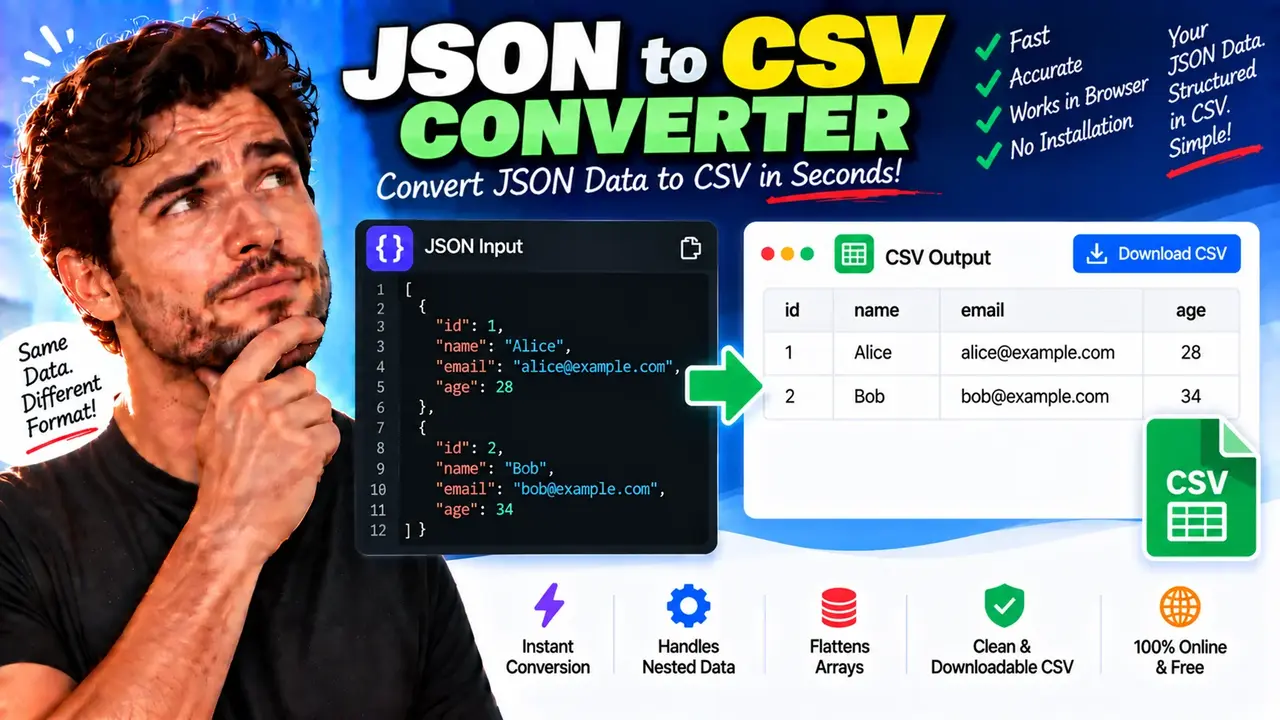
Convert Json To Csv Online - Quick, Free & Easy Tool
Quick answer: Convert Json To Csv Online is a data conversion utility designed to transform JSON (JavaScript Object Notation) data into CSV (Comma-Separated Values) format. It is useful for preparing structured JSON records for spreadsheets, tabular analysis, reporting, and data import workflows. JSON arrays of objects are the most straightforward input for producing rows and columns.
JSON organizes information using objects, arrays, keys, and values. CSV represents tabular information as rows and columns, with each row containing fields separated by commas. Converting JSON to CSV makes record-oriented data easier to inspect in spreadsheet applications, exchange with data-analysis tools, and prepare for systems that accept flat tabular files.
The Convert Json To Csv Online - Quick, Free & Easy Tool is intended for users who need to move structured data into a spreadsheet-friendly format. Common use cases include exporting API responses, preparing product catalogs, analyzing customer records, organizing inventory, and creating tabular datasets from application data.
What Can You Convert from JSON to CSV?
The most suitable input is a JSON array containing objects with consistent fields. Each object represents a potential CSV row, and its property names can be used as column headers.
- API responses: Convert arrays of records returned by web services into tabular data.
- Product catalogs: Arrange product names, SKUs, prices, and categories into columns.
- Customer records: Prepare names, email addresses, and account attributes for spreadsheet analysis.
- Application exports: Transform structured records into a format suitable for reporting or downstream data processing.
- Data analysis: Prepare compatible datasets for spreadsheet software and analytical workflows.
JSON objects are not automatically equivalent to CSV tables. A nested object can contain several properties, while an array can contain multiple records or repeated values. The resulting CSV structure therefore depends on how the conversion handles headers, nested values, missing properties, and arrays.
How to Use Convert Json To Csv Online - Quick, Free & Easy Tool?
- Prepare your JSON: Start with valid JSON. For a conventional table, use an array of objects with property names that represent column headers.
- Enter the input: Paste or provide your JSON using the input method supported by the tool.
- Run the conversion: Use the available conversion control to transform the JSON into CSV.
- Review the output: Check the column headers, row alignment, commas, quotation marks, and values before using the result.
- Copy or export: Use the output controls provided by the actual tool, if available, to transfer or save the CSV data.
The exact interface controls and export options depend on the implemented tool. Review the generated output rather than assuming that every JSON structure will produce a perfectly normalized spreadsheet.
JSON to CSV: Input and Output Example
Consider a JSON array containing three product records. Every object has the same four properties, so the data naturally fits into a table.
Input JSON
[
  {
    "id": 101,
    "name": "Wireless Mouse",
    "category": "Electronics",
    "price": 24.99
  },
  {
    "id": 102,
    "name": "Notebook",
    "category": "Stationery",
    "price": 4.50
  },
  {
    "id": 103,
    "name": "USB-C Cable",
    "category": "Accessories",
    "price": 9.99
  }
]
Expected CSV Output
id,name,category,price
101,Wireless Mouse,Electronics,24.99
102,Notebook,Stationery,4.50
103,USB-C Cable,Accessories,9.99
The property names become the header row, and each JSON object contributes one data row. Numeric values are represented as text in the CSV file, so the receiving application may determine their data types when importing the file.
This example demonstrates the standard mapping for a flat array of similarly structured objects. The precise output of the online converter should be checked if it applies different header ordering, value serialization, or formatting rules.
JSON to CSV Field Mapping Reference
The following reference explains how common JSON values relate to a conventional CSV table. These are general data-format principles, not a claim that the tool supports every possible serialization behavior.
| JSON Input | Typical CSV Representation | Important Consideration |
|---|---|---|
"name": "Asha" |
Asha |
Text values may need quotation marks when they contain delimiters or line breaks. |
"quantity": 12 |
12 |
Numeric values are serialized as text; the importing application may interpret the number. |
"price": 24.99 |
24.99 |
Decimal formatting and spreadsheet locale settings can affect interpretation. |
"active": true |
true |
Boolean representation depends on the converter's serialization convention. |
"middleName": null |
An empty field or another representation | Null and empty string are different JSON values, even if a converter renders them similarly. |
"address": {"city": "Madurai"} |
A flattened column or serialized object | Nested-object handling must be checked in the generated CSV. |
"tags": ["new", "sale"] |
A serialized or joined field | Arrays require a representation convention because CSV has no native array type. |
How Does JSON to CSV Conversion Work?
JSON to CSV conversion maps hierarchical or record-based data into a flat tabular structure. For an array of objects, the general process is:
- Parse the JSON: Read the input as structured JSON rather than treating it as arbitrary text.
- Identify records: Interpret each object in the input array as a potential table row.
- Determine columns: Identify the object properties to represent as CSV fields.
- Serialize values: Convert individual values into text representations suitable for CSV.
- Escape special characters: Handle commas, quotation marks, and line breaks according to CSV quoting conventions.
- Assemble the output: Combine the header and record rows into a delimited text document.
For example, a text value such as "Mouse, Wireless" cannot safely be emitted as an unquoted CSV field because the comma could be mistaken for a field separator. A conventional CSV representation is "Mouse, Wireless". If a value contains a quotation mark, standard CSV escaping doubles that quotation mark inside the quoted field.
For interoperability, RFC 4180 documents a widely used CSV format convention, including records, fields, delimiters, and quotation rules. Real CSV implementations can differ, so applications should agree on the expected delimiter, character encoding, header convention, and treatment of line endings.
Reference: RFC 4180 — Common Format and MIME Type for CSV Files.
Handling Nested Objects, Arrays, and Missing Values
Not every valid JSON document represents a simple table. Some structures require an explicit conversion policy before their data can be represented consistently in CSV.
Nested Objects
Consider an object containing "customer": {"name": "Asha", "city": "Madurai"}. A converter may flatten these properties into columns such as customer.name and customer.city, or serialize the nested object into a single field. The appropriate choice depends on the converter's behavior and the receiving application.
Arrays Within Records
An array such as "tags": ["new", "sale"] contains multiple values, while an ordinary CSV cell holds a single serialized field. Joining array elements into one string can lose information about element boundaries unless a clear encoding convention is used. Expanding array elements into separate rows is another possible strategy, but it changes the table structure.
Missing Properties and Null Values
If one record contains a price property and another does not, the output needs a consistent column layout. The missing property may become an empty field or follow another implementation-specific rule. An explicit JSON null is not the same as a missing property, and neither is necessarily equivalent to an empty string.
Top-Level Objects and Primitive Values
A top-level JSON object such as {"name":"Asha","city":"Madurai"} represents one object, not an array of records. A converter may handle it as a single row, interpret its properties differently, or require an array of objects. Primitive JSON values such as strings, numbers, and booleans do not inherently define a multi-column table. Check the tool's output when using these inputs.
Important Limitations and Data-Quality Checks
- Malformed JSON: Missing commas, unmatched braces, and invalid string quoting can prevent parsing.
- Inconsistent properties: Records with different keys may produce blank cells or an implementation-specific column layout.
- Duplicate property names: Duplicate keys in JSON objects can be handled differently by parsers and may lead to ambiguous values.
- Special characters: Commas, quotation marks, and embedded line breaks require correct CSV escaping.
- Large inputs: Processing time and memory requirements depend on the input size and the tool's implementation. No specific size limit is asserted here.
- Spreadsheet interpretation: Spreadsheet programs may automatically interpret values as dates, numbers, or formulas. Review sensitive or unusual values before importing them.
- Information loss: CSV does not natively preserve JSON nesting, array types, numeric types, or the distinction between all missing and null values.
Privacy note: The processing location, data-retention behavior, and upload mechanism of this particular implementation have not been established here. Avoid submitting confidential or regulated information until you have verified the site's privacy policy and the tool's actual processing behavior.
Frequently Asked Questions
What JSON structure is best for converting to CSV?
A JSON array of objects with consistent property names is usually the most straightforward input. Each object can represent a row, and its properties can map to columns.
Can nested JSON be converted into CSV?
Nested JSON can be represented in CSV only after choosing a flattening or serialization strategy. The converter's handling of nested objects and arrays determines the resulting columns and values.
How are commas and quotation marks handled in CSV output?
Conventional CSV escaping encloses fields containing commas, quotation marks, or line breaks in double quotes. A double quote inside a quoted field is represented by two consecutive double quotes.
What happens when a JSON record is missing a field?
The result depends on the conversion implementation. A converter may produce an empty cell or use another rule. Check the generated rows to ensure that values remain aligned under the intended headers.
Does CSV preserve JSON data types?
No. CSV stores delimited text rather than native JSON types. Numbers, booleans, null values, arrays, and nested objects may lose type or structural information when converted.
Why might the converted CSV look different in a spreadsheet?
Spreadsheet software may apply locale-specific delimiter settings, infer data types, reformat dates, or interpret certain text values as formulas. Review import settings and inspect sensitive fields after opening the file.
Related Data Utilities
After converting JSON into tabular data, you may also need a JSON formatter to inspect the original structure, a JSON validator to check syntax, or a CSV validator or formatter to review the resulting text. Link to these utilities when their corresponding ToolHox pages are available.
Author Information
Author Name: Michael Bennett
Author Description: Software and Data Engineering Writer focused on structured data formats, data interchange, and developer utilities.
Technical Review: The technical guidance describes conventional JSON-to-CSV mapping, CSV field escaping, and common structural limitations. Verify implementation-specific behavior against the converter before documenting supported options or processing guarantees.
