
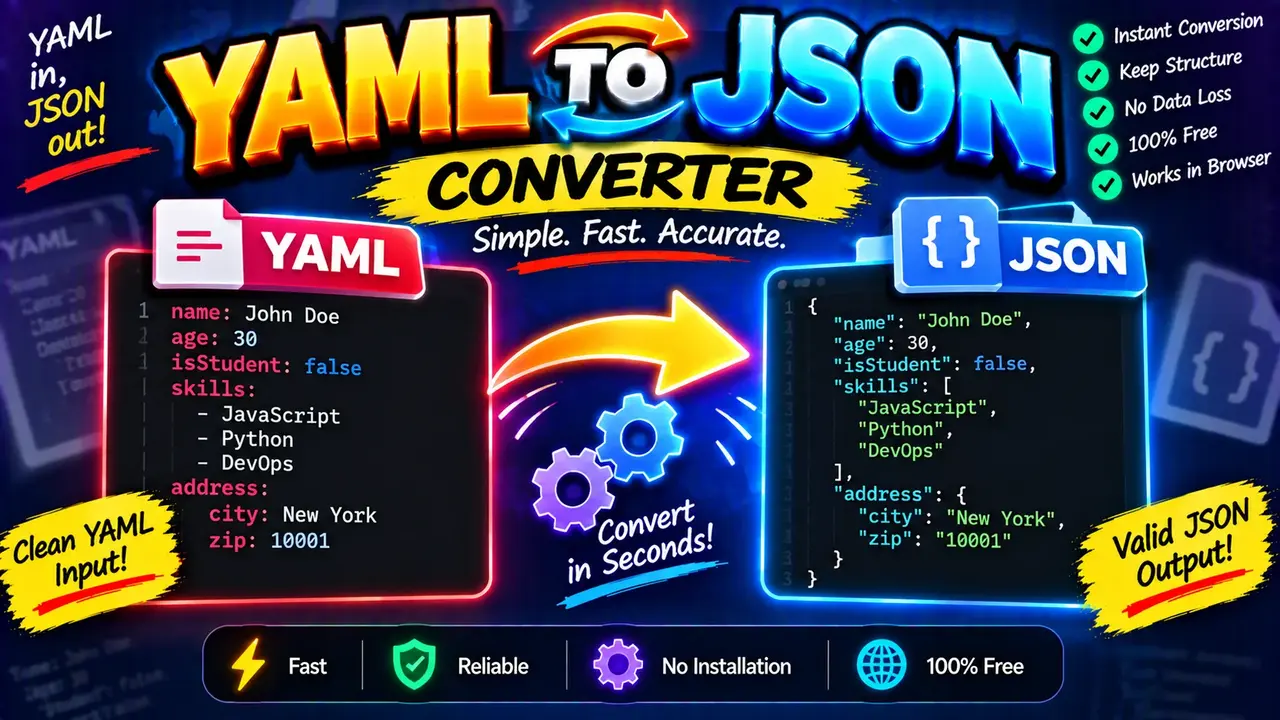
Yaml To Json Converter | Free & Instant Online Tool
Quick answer: A YAML to JSON converter transforms YAML (YAML Ain't Markup Language) data into JSON (JavaScript Object Notation). It helps developers convert configuration files, structured data, application settings, and API-related data into JSON format while preserving the meaning of supported keys, values, arrays, and nested objects.
The Yaml To Json Converter is a developer utility for translating YAML-formatted data into JSON-formatted output. YAML is commonly used for human-readable configuration, while JSON is widely used for data exchange, web APIs, and JavaScript applications. Converting between the two formats makes it easier to reuse structured information in environments that expect JSON.
YAML relies on indentation and YAML-specific syntax to represent mappings, sequences, strings, numbers, booleans, and null values. JSON represents the same general data structures using objects, arrays, quoted property names, and explicit separators. A successful conversion preserves the underlying data model wherever the input can be represented faithfully in JSON.
TL;DR / Key Takeaways
- Primary function: Convert YAML documents into JSON text.
- Input: YAML mappings, sequences, scalar values, and nested structures supported by the converter.
- Output: JSON objects, arrays, scalar values, or other valid JSON values.
- Common uses: Configuration migration, API payload preparation, and structured-data interchange.
- Important limitation: YAML features without direct JSON equivalents may require interpretation or simplification.
How to Use Yaml To Json Converter | Free & Instant Online Tool?
- Enter YAML: Paste a YAML document into the tool's input field. Use valid indentation and ensure mapping entries follow YAML syntax.
- Convert the data: Run the conversion using the tool's available action.
- Review the JSON: Check that the resulting objects, arrays, strings, numbers, and boolean values match the intended data.
- Copy or reuse the output: Use the generated JSON wherever JSON-formatted data is required, after validating it for your application.
The exact input controls, formatting options, error messages, and export features depend on the deployed implementation. The tool's interface should be consulted for the available actions.
YAML Input and JSON Output Example
Consider a YAML configuration for a web application. Its nested database settings and list of enabled features can be represented as a JSON object containing a nested object and an array.
Input: YAML
app:
  name: Inventory API
  port: 8080
  debug: false
  features:
    - search
    - reporting
  database:
    host: localhost
    enabled: true
Expected output: JSON
{
  "app": {
    "name": "Inventory API",
    "port": 8080,
    "debug": false,
    "features": [
      "search",
      "reporting"
    ],
    "database": {
      "host": "localhost",
      "enabled": true
    }
  }
}
This example illustrates the expected structural mapping for ordinary YAML data. The top-level app key becomes a JSON property. The features sequence becomes an array, and database becomes a nested object. The strings, integer, and boolean values retain their respective JSON value types.
YAML to JSON Type-Mapping Reference
YAML and JSON support many corresponding data structures, but their syntax differs. The following table describes common mappings for ordinary YAML values.
| YAML input | JSON representation | Conversion rule |
|---|---|---|
name: Maya |
{"name":"Maya"} |
A YAML mapping becomes a JSON object with a property. |
items: [red, blue] |
{"items":["red","blue"]} |
A YAML flow sequence becomes a JSON array. |
enabled: true |
{"enabled":true} |
A boolean remains a JSON boolean. |
count: 12 |
{"count":12} |
An integer is represented as a JSON number. |
price: 19.95 |
{"price":19.95} |
A supported decimal value becomes a JSON number. |
description: null |
{"description":null} |
A YAML null value becomes JSON null. |
profile: {role: admin} |
{"profile":{"role":"admin"}} |
A nested mapping becomes a nested JSON object. |
users:\n - name: Ana\n - name: Ravi |
{"users":[{"name":"Ana"},{"name":"Ravi"}]} |
A sequence of mappings becomes an array of objects. |
These examples describe standard data-model mappings, not a verified list of every syntax feature supported by the live converter. Actual results depend on the YAML parser and conversion logic used by the implementation.
How YAML to JSON Conversion Works
Conceptually, a converter parses YAML into a structured data representation and serializes that representation as JSON. This is more reliable than replacing indentation or punctuation with simple text substitutions because YAML uses context-sensitive syntax, quoted and unquoted scalars, block sequences, and nested mappings.
- Parse the document: Interpret indentation, mapping entries, sequences, quoted strings, and supported scalar values.
- Build the data structure: Represent mappings as objects, sequences as arrays, and scalar values as strings, numbers, booleans, or null where appropriate.
- Serialize as JSON: Write property names and strings with JSON quoting, separate elements with commas, and use braces or brackets for objects and arrays.
- Check the result: Validate the JSON syntax and, for important configurations, compare the converted structure with the original YAML meaning.
YAML and JSON are related but not identical formats. JSON does not preserve YAML comments, presentation style, or indentation choices. A converter may also normalize scalar representations or handle advanced YAML constructs according to its parser's rules.
Important YAML Edge Cases and Limitations
Indentation and malformed mappings
YAML uses indentation to express nesting. Inconsistent indentation, missing mapping values, or malformed sequence entries can prevent parsing or produce a structure different from the author's intention. Correct the YAML source before relying on the converted output.
Strings that resemble numbers or booleans
YAML scalar interpretation can depend on quoting and the YAML version or parser. For example, version: "12" explicitly represents a string, while version: 12 normally represents a number. Check values that must remain strings, particularly identifiers, postal codes, version labels, and account numbers.
Dates and timestamps
Some YAML parsers recognize date-like values as typed scalars. JSON has no dedicated date type. A converter may serialize such values as strings or normalize them, depending on its implementation. Verify date and timezone representations when they affect an application.
Aliases, anchors, and advanced YAML features
YAML anchors and aliases can reuse previously defined content. JSON has no native reference or alias syntax. A converter must resolve, expand, or otherwise handle these constructs before producing ordinary JSON. Support for custom tags, merge keys, and complex mapping keys also depends on the parser.
Duplicate keys and empty documents
Mappings with duplicate keys can be ambiguous because parsers differ in whether they reject duplicates, retain one value, or apply another policy. Empty input and documents containing only comments may also need special handling. Do not assume the converter's exact error behavior without testing the deployed tool.
Supported Data Patterns and Practical Limits
Commonly representable patterns
- Mappings with string property names.
- Sequences of strings, numbers, booleans, nulls, or objects.
- Nested configuration objects.
- Quoted strings and common scalar values.
- Ordinary configuration documents with multiple nesting levels, subject to implementation limits.
Patterns requiring additional review
- Custom YAML tags and application-specific scalar types.
- Complex mapping keys that cannot be represented as JSON object property names.
- Aliases or merge constructs that must be resolved before serialization.
- Duplicate mapping keys or ambiguous scalar values.
- Very large documents, for which resource limits and performance depend on the deployed implementation.
These are format-level considerations rather than a guarantee that the live tool supports every listed pattern. For production configuration, validate the output with a JSON parser and the target application's own configuration schema.
Authoritative Technical References
- YAML 1.2.2 Specification — defines YAML syntax, structures, and scalar interpretation.
- RFC 8259: The JavaScript Object Notation (JSON) Data Interchange Format — defines JSON objects, arrays, strings, numbers, and valid JSON syntax.
Technical Review and Author
Author: Michael Turner, Software Engineer specializing in structured data formats and developer tooling.
Technical Review: This content explains the standard YAML-to-JSON data-model conversion process, common scalar mappings, and format-level limitations. The deployed converter's parser, options, privacy behavior, and error handling should be independently verified against the actual implementation.
