
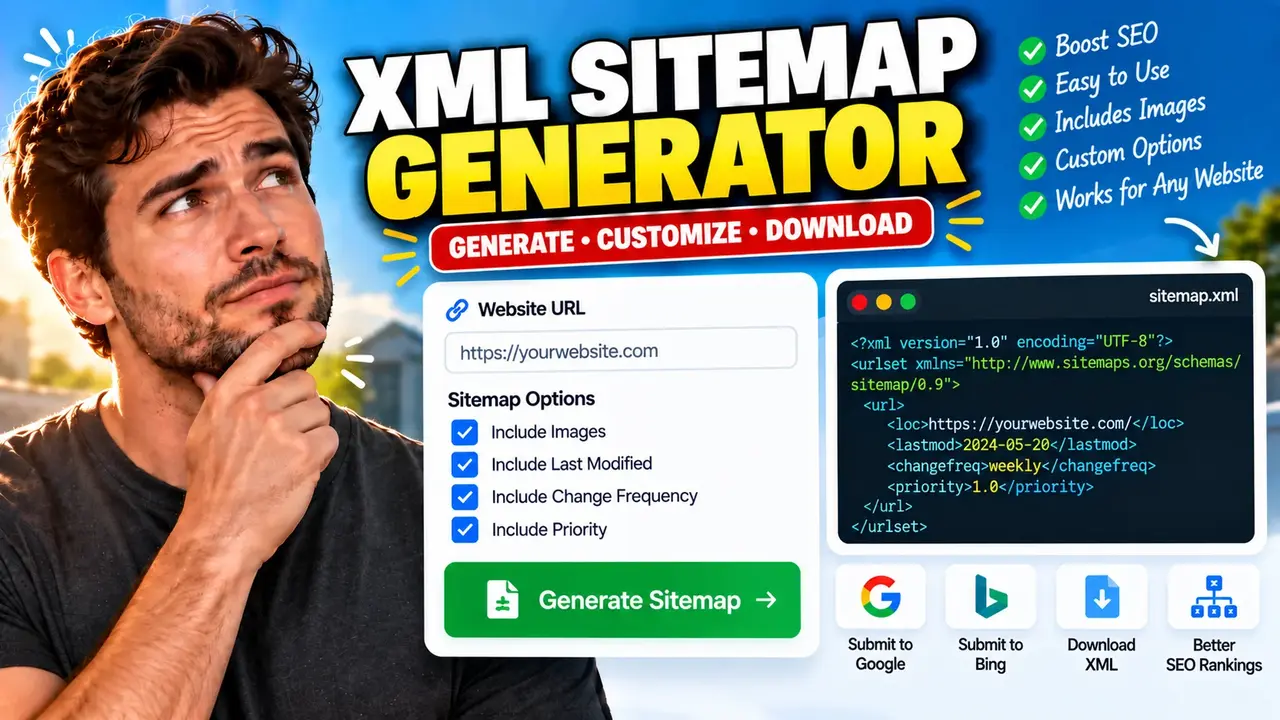
Free Xml Sitemap Generator (2026) | Fast & Easy
Quick answer: A Free XML Sitemap Generator is a website utility that helps create an XML sitemap listing the URLs you want search engines to discover. An XML sitemap can include optional metadata such as the last modification date, change frequency, and relative priority of pages. Website owners, SEO specialists, and developers can use a sitemap to support search engine crawling and URL discovery.
An XML sitemap is a structured XML document that identifies important URLs on a website. It helps search engines discover pages, particularly when a website has many URLs, complex navigation, recently published content, or pages that are not easily reached through internal links. A sitemap supplements normal crawling; it does not guarantee that search engines will crawl, index, or rank every listed URL.
The Free Xml Sitemap Generator (2026) | Fast & Easy is intended for people who need an XML sitemap for website SEO and technical maintenance. Before publishing a generated sitemap, confirm the website URLs, canonical versions, indexing preferences, and sitemap location. The precise input fields, crawling capabilities, URL limits, and export behavior depend on the implementation of the generator.
What Does an XML Sitemap Contain?
The standard XML sitemap format uses a urlset root element and one url element for each listed page. Each URL entry requires a loc element containing an absolute URL. The optional lastmod element records the last significant modification date when known. The optional changefreq and priority elements are part of the protocol, but Google does not use them for crawling decisions.
- loc: The absolute URL of the page. It is required for every URL entry.
- lastmod: The date or timestamp of the page's last significant modification, when available and accurate.
- changefreq: An optional estimate of how frequently a page changes.
- priority: An optional relative priority value between 0.0 and 1.0 within the website.
Use the official Sitemaps XML protocol as the reference for valid elements and document structure. For search-engine-specific guidance, consult Google Search Central's sitemap documentation.
How to Use Free Xml Sitemap Generator (2026) | Fast & Easy?
- Identify the website: Determine the site's preferred hostname and protocol, such as
https://www.example.com. Confirm whether the preferred version uses www or non-www. - Provide the supported input: Enter the website URL or supply page URLs in the format accepted by the actual tool. Do not assume URL crawling, file uploads, or advanced settings are supported unless they are present in the interface.
- Generate the sitemap: Run the generator using its available controls. Review the resulting XML for valid structure, correct URLs, and unintended duplicates.
- Publish and verify: If the tool provides an export or download, save the generated XML as
sitemap.xml, upload it to the appropriate website location, and verify the published file before submitting it to search engines.
Input and Output Example
The following example demonstrates the standard sitemap XML format. It illustrates what a valid sitemap document can look like; it is not a claim that the generator produces these exact fields or automatically discovers these pages.
Example input: website URLs
https://www.example.com/
https://www.example.com/about/
https://www.example.com/blog/technical-seo/
Example output: sitemap.xml
<?xml version="1.0" encoding="UTF-8"?>
<urlset xmlns="http://www.sitemaps.org/schemas/sitemap/0.9">
  <url>
    <loc>https://www.example.com/</loc>
    </url>
  <url>
    <loc>https://www.example.com/about/</loc>
  </url>
  <url>
    <loc>https://www.example.com/blog/technical-seo/</loc>
  </url>
</urlset>
The example shows the basic required structure, but the XML above contains a minor formatting inconsistency in the first URL element: its closing tag is indented differently. XML parsers generally ignore indentation, but every opening and closing element must still match correctly. A clean equivalent is:
<?xml version="1.0" encoding="UTF-8"?>
<urlset xmlns="http://www.sitemaps.org/schemas/sitemap/0.9">
  <url>
    <loc>https://www.example.com/</loc>
  </url>
  <url>
    <loc>https://www.example.com/about/</loc>
  </url>
  <url>
    <loc>https://www.example.com/blog/technical-seo/</loc>
  </url>
</urlset>
XML Sitemap Reference Table
| Element or rule | Requirement | Practical guidance |
|---|---|---|
urlset |
Required root element | Declare the sitemap protocol namespace. |
url |
Required for each entry | Wrap each page's sitemap metadata in its own URL entry. |
loc |
Required | Use an absolute URL for the page. |
lastmod |
Optional | Include only when the last significant modification date is known. |
changefreq |
Optional | Search engines may ignore this field; Google does not use it. |
priority |
Optional | Values range from 0.0 to 1.0; Google ignores this field. |
| URL count | Protocol limit | A single sitemap is limited to 50,000 URLs or 50 MB uncompressed, whichever comes first. |
How the XML Sitemap Format Works
A sitemap follows a defined XML structure rather than a custom list format. The root element identifies the document as a sitemap, each page is represented by a URL entry, and each entry includes its location. Optional fields add metadata without changing the basic requirement for a valid page URL.
For larger sites, the sitemap protocol supports sitemap index files that reference multiple sitemap files. Each individual sitemap must stay within the protocol's limits of 50,000 URLs and 50 MB uncompressed. A sitemap index is useful when a website has enough pages to require multiple files, provided each referenced sitemap is published at a valid location.
Technical Edge Cases and Limitations
- Invalid XML: Mismatched tags, unescaped ampersands, or malformed markup can prevent parsers from reading the document correctly.
- Duplicate URLs: Multiple URL variants may represent the same page. Prefer the canonical URL and avoid unnecessary duplicates.
- Redirecting pages: Generally list the final canonical destination instead of URLs that redirect.
- Non-indexable pages: Avoid listing URLs that you intentionally block from indexing or that return errors. A sitemap should represent the pages you want search engines to discover.
- Stale modification dates: Do not invent or automatically update
lastmoddates without a meaningful page change. - Large websites: Split oversized sitemaps and use a sitemap index when necessary.
- Unsupported generator behavior: Automatic crawling, JavaScript rendering, authentication, URL filtering, multilingual sitemap extensions, and image or video sitemap generation must not be assumed without checking the tool's actual features.
Supported Format and Protocol Boundaries
The XML sitemap protocol defines the output structure. It does not determine which input methods this specific generator accepts. A tool may accept a domain URL, a list of URLs, or another input, but its actual interface must establish that capability. Similarly, the existence of XML sitemap extensions does not prove that this generator creates image, video, news, or multilingual sitemap entries.
For best results, verify the output as XML, check that each loc value is an absolute URL, confirm the sitemap is served from the intended website location, and make sure the file contains only the pages you want search engines to discover. Submission through a search-engine webmaster platform is a discovery signal, not a guarantee of indexing.
Privacy and Processing
The processing location, data retention policy, server behavior, and privacy characteristics of this particular generator have not been established by the supplied tool details. Do not assume that entered URLs are processed exclusively in the browser or that no information is transmitted or logged. Consult the website's privacy information and the tool's implementation before submitting confidential or internal URLs.
Frequently Asked Questions
Technical Review: Sitemap structure and recommendations in this guide are based on the published XML sitemap protocol and Google Search Central documentation. The specific implementation and feature set of this generator have not been independently verified.
Author: Jordan Mitchell, Software Engineer specializing in web infrastructure and technical SEO documentation.
