
Online Sos Morse Code Generator With Sound - Toolhox
Use this Online SOS Morse Code Generator With Sound to hear ... --- ..., learn dot-and-dash timing, and practice recognizing the international distress signal.
Loading tool… if this message stays, JavaScript is blocked or failed to load — check your connection and console, then reload.
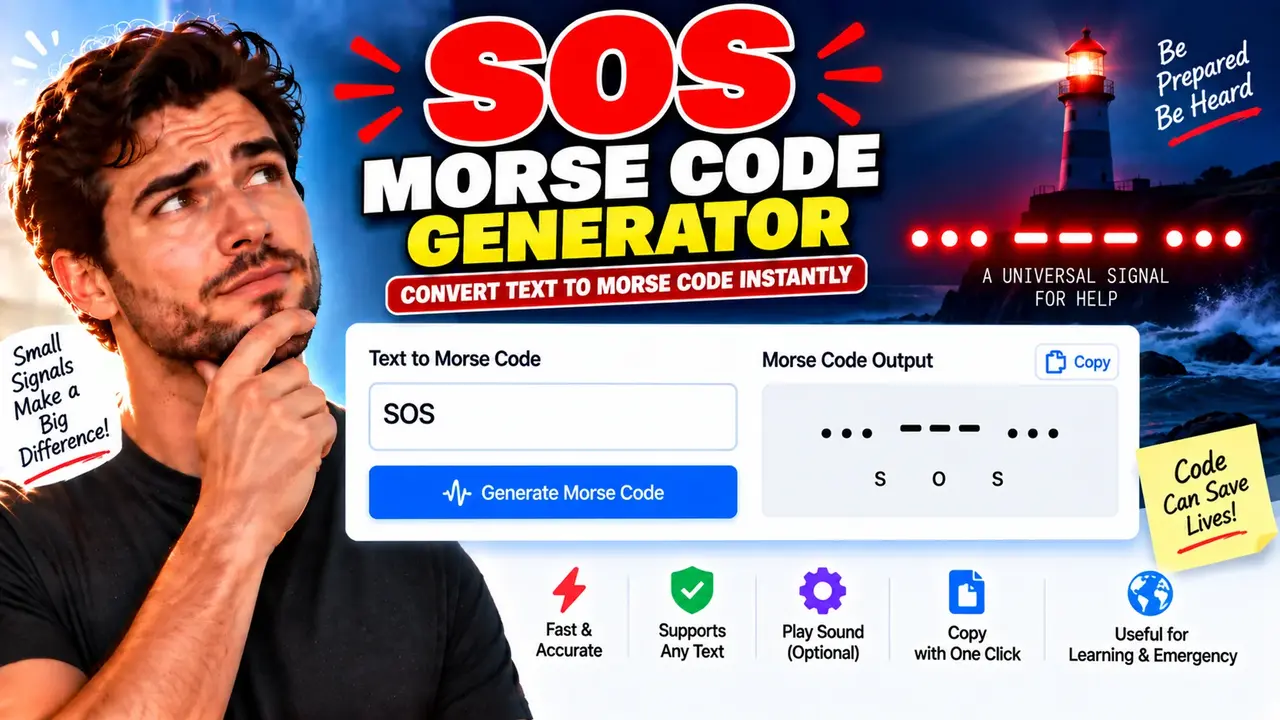
Online SOS Morse Code Generator With Sound
Quick answer: The Online SOS Morse Code Generator With Sound is an online Morse code utility designed to help users understand and generate the international SOS distress signal (··· --- ···). It provides a clear reference for the three dots, three dashes, and three dots pattern used to represent SOS in Morse code. Sound playback can help users recognize the signal's timing and rhythm.
The Online SOS Morse Code Generator With Sound is intended for people who want to learn the SOS signal, practice Morse code timing, or understand how an internationally recognized distress pattern is represented. SOS is commonly written as three short signals, three long signals, and three short signals. In standard Morse code, the letter S is represented by three dots (···), while O is represented by three dashes (---).
The complete SOS pattern is therefore:
Text: SOS
Morse code: ··· --- ···
Spoken rhythm: Three short, three long, three short
The generator's sound feature is useful for learning the difference between short and long signals. Actual playback controls, adjustable speed, tone frequency, looping, and download options depend on the features implemented in the live tool; these options should not be assumed unless they are visibly available.
What Is SOS in Morse Code?
SOS is the internationally recognized distress signal associated with requests for assistance. Its Morse representation is three dots, three dashes, and three dots. The signal is memorable because of its simple, symmetrical rhythm and can be transmitted through suitable signaling methods, including audible tones, flashes of light, or radio signals.
In Morse code, a dot is the basic timing unit. A dash lasts three times as long as a dot. The space between the elements of a letter is one dot unit, the space between letters is three units, and the space between words is seven units. These timing relationships are part of the International Morse Code convention.
TL;DR / Key Takeaways
- Primary Function: Generate or learn the SOS Morse code pattern with sound.
- Core Pattern: ··· --- ···
- Signal Structure: Three short signals, three long signals, three short signals.
- Best Suited For: Morse code beginners, educators, radio enthusiasts, and signal-recognition practice.
- Safety Note: A browser-generated tone is a learning aid, not a guaranteed emergency communication method.
How to Use Online SOS Morse Code Generator With Sound?
- Open the generator: Access the Online SOS Morse Code Generator With Sound page.
- Start playback: Use the available sound or play control, if provided, to hear the SOS pattern.
- Follow the rhythm: Listen for three short signals followed by three long signals and three short signals.
- Repeat and practice: Replay the pattern if the tool supports repeated playback, and practice identifying the short and long elements.
What Input Does the Generator Require?
The tool name indicates a specialized SOS generator rather than a general-purpose text-to-Morse converter. Its central reference signal is fixed: SOS. If the page contains additional controls, follow the labels shown in the live interface rather than assuming that arbitrary text, speed, tone, or waveform settings are supported.
What Does the Output Mean?
The expected SOS representation is the character sequence ··· --- ···. Each group corresponds to one letter:
- S: Three dots (···).
- O: Three dashes (---).
- S: Three dots (···).
When represented as sound, dots are short tones and dashes are tones three times the dot duration. The spaces between elements and letters help preserve the recognizable Morse pattern.
SOS Morse Code Example: Input and Output
The following example illustrates the standard SOS encoding independently of any unverified interface controls.
Example Input
SOSExpected Morse Code Output
... --- ...Symbol-by-Symbol Breakdown
| Character | Morse symbol | Timing |
|---|---|---|
| S | ··· | Three dots, each one timing unit |
| O | --- | Three dashes, each three timing units |
| S | ··· | Three dots, each one timing unit |
The dots-and-dashes representation is the standard code sequence. A sound generator translates the symbols into timed audible signals. The precise total playback duration depends on the dot duration and the spaces used between elements and letters.
Morse Code Timing Reference for SOS
Standard International Morse Code uses relative timing rather than one universal playback speed. The dot duration determines the length of the remaining elements and spaces.
| Element | Relative duration | Meaning in SOS |
|---|---|---|
| Dot | 1 unit | Each of the six short signals in the two S letters |
| Dash | 3 units | Each of the three long signals in the O letter |
| Gap between elements of one letter | 1 unit | Separates the dots in S and the dashes in O |
| Gap between letters | 3 units | Separates S, O, and S |
| Gap between words | 7 units | Relevant when separating words in longer Morse messages |
For example, if one dot lasts 100 milliseconds, a dash lasts 300 milliseconds. The standard timing ratios remain the same if the speed changes. This example explains the timing convention; it does not claim that the online generator uses a 100-millisecond dot.
How Does an SOS Morse Code Sound Generator Work?
A sound-based Morse generator represents dots and dashes as timed signals. For SOS, the expected sequence consists of three short tones, three longer tones, and three short tones. A typical implementation can produce that pattern by translating each Morse symbol into a tone duration and placing appropriate gaps between successive signals.
The basic duration relationships are:
Dot duration       = 1 time unit
Dash duration      = 3 time units
Element gap        = 1 time unit
Letter gap         = 3 time units
Word gap           = 7 time units
For a simple illustrative sequence, let the dot duration be 100 milliseconds. Each dash then lasts 300 milliseconds. The exact overall duration depends on how the generator schedules the gaps and whether it inserts letter spacing between the three letters.
When learning Morse code, focus on the relative rhythm rather than memorizing one specific audio length. A slower pattern can make the individual elements easier to recognize, while a faster pattern may be more representative of experienced Morse operators. The live tool's actual speed controls, if any, determine which playback rates are available.
Technical Limitations and Important Safety Notes
Sound Playback Depends on the Device
Audible output requires a device with working audio hardware and a suitable volume level. Muted speakers, connected headphones, browser audio restrictions, or operating-system settings can prevent a tone from being heard. If playback does not begin, check the device volume and the browser's audio permissions before assuming that the Morse pattern is incorrect.
Browser Audio Is Not an Emergency Radio Transmission
Playing an SOS tone from a website does not automatically transmit a distress message to emergency services, ships, aircraft, or radio operators. The tone is audible only through the device's available sound output unless a separate, suitable transmission system is used.
If you are in immediate danger, use an appropriate local emergency contact method or a recognized distress communication system. Do not rely on this web generator as your sole means of requesting rescue.
What the Tool Does Not Establish
- A browser tone is not proof that an emergency message has been received.
- Available playback speed, frequency, repetition, and download controls must be confirmed in the live interface.
- The tool's processing location, data handling, and privacy behavior cannot be established from its name alone.
- The Morse representation does not replace training in radio procedure, signaling practice, or applicable emergency protocols.
International Morse Code Reference
The SOS sequence uses the standard International Morse Code representations of S and O. The International Telecommunication Union provides authoritative information about international telecommunications regulations and related signaling conventions.
Reference: International Telecommunication Union (ITU).
For a practical introduction to Morse code characters and their representations, see the Morse code reference. Use recognized telecommunications guidance when working with real emergency signaling equipment.
Frequently Asked Questions
What is SOS in Morse code?
SOS is represented as three dots, three dashes, and three dots: ··· --- ···. In audible Morse code, dots are short signals and dashes are three times as long.
Can I hear SOS Morse code online?
A sound-enabled SOS generator is intended to play the signal through the device's audio output. Actual playback depends on the live interface and your browser, device, and audio settings.
How long is a dash compared with a dot?
In International Morse Code timing, a dash lasts three times as long as a dot. The relative duration remains the same at different playback speeds.
Does playing SOS on this website contact emergency services?
No. A tone generated by a website does not by itself send an emergency alert or transmit a radio distress call. Use an appropriate emergency communication method if assistance is needed.
Can the SOS pattern be used with a flashlight?
The Morse pattern can be represented by light as well as sound: use short flashes for dots and flashes three times as long for dashes, preserving the sequence and recognizable spacing.
Does this generator support custom messages or downloadable audio?
Those capabilities cannot be confirmed from the supplied tool name and image URL. Check the live interface for any custom-text, playback-setting, repeat, or download controls before relying on them.
Is the generator suitable for learning Morse code?
It can serve as a learning aid for recognizing the SOS pattern and its short-long-short rhythm. For broader proficiency, practice additional Morse characters, spacing, and listening exercises with suitable instructional resources.
Author: Daniel Brooks — Technical Content Specialist focused on digital utilities, signal encoding, and practical software documentation.
Technical Review: Daniel Brooks reviewed the written Morse-code sequence and relative timing explanation for consistency with standard International Morse Code conventions. This review does not assert testing of the live generator implementation.
