
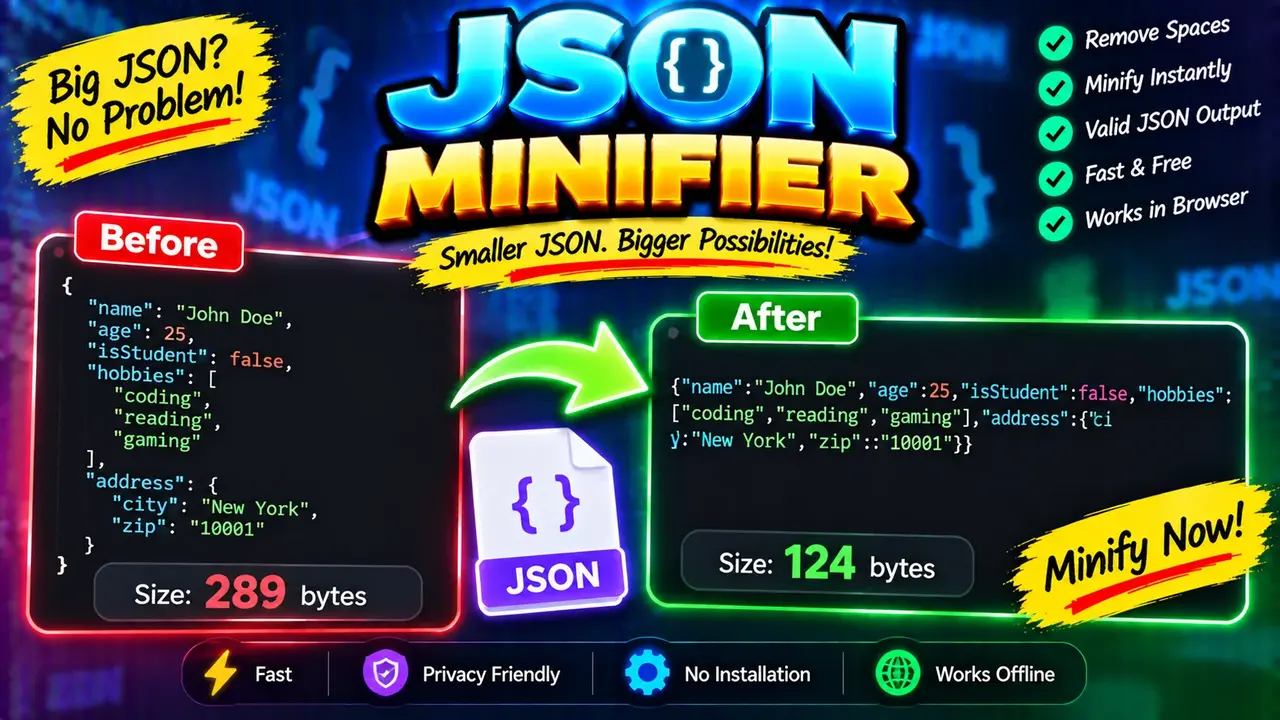
Online JSON Minifier Tool - Minify & Compress JSON
Quick answer: The Online JSON Minifier Tool removes unnecessary whitespace, indentation, and line breaks from valid JSON to produce a compact JSON string. JSON minification reduces the textual size of JSON by removing formatting characters without intentionally changing its data structure or values.
The Online JSON Minifier Tool - Minify & Compress JSON is a developer utility designed for preparing compact JSON data for APIs, web applications, configuration files, and data-transfer workflows. It is useful when readable, indented JSON needs to be converted into a space-efficient representation without manually editing the document.
JSON (JavaScript Object Notation) represents structured data using objects, arrays, strings, numbers, booleans, and null values. A formatted JSON document may contain spaces, indentation, and line breaks to improve readability. A JSON minifier removes unnecessary formatting whitespace while preserving the JSON syntax and the meaning of its data.
For example, an object written across several lines can be reduced to a single line. Object keys, string values, array order, numeric values, and boolean values remain unchanged. This makes minified JSON convenient for API request bodies, embedded configuration data, test fixtures, and compact data exchange.
Key Takeaways
- Primary function: Remove unnecessary whitespace from JSON.
- Input: A JSON text document containing objects, arrays, or primitive values.
- Output: A compact JSON string.
- Best suited for: API payload preparation, configuration files, development workflows, and reducing formatting overhead.
- Important distinction: Minification is not the same as gzip, Brotli, encryption, or data compression algorithms.
How to Use Online JSON Minifier Tool - Minify & Compress JSON?
- Enter JSON: Paste the JSON document into the input area, retaining its original keys, values, arrays, and nested objects.
- Run minification: Use the tool's minify action to remove unnecessary formatting whitespace.
- Review the result: Check the compact output for the expected data and structure.
- Copy the output: Use the resulting JSON in an API request, application configuration, or another compatible workflow.
The exact input controls, error messages, processing location, and copy or download options depend on the deployed tool implementation. This description does not assume an upload mechanism, a particular processing architecture, or a specific export feature.
JSON Minifier Input and Output Example
Consider the following formatted JSON object containing application settings and a list of users.
Input: Formatted JSON
{
  "application": "Storefront",
  "debug": false,
  "retryCount": 3,
  "features": ["search", "checkout"],
  "owner": {
    "name": "Taylor",
    "active": true
  }
}
Output: Minified JSON
{"application":"Storefront","debug":false,"retryCount":3,"features":["search","checkout"],"owner":{"name":"Taylor","active":true}}The minified output removes indentation, formatting spaces, and line breaks between JSON tokens. It preserves the application name, boolean setting, retry count, array elements, nested owner object, and their relationships.
Notice that the output is still JSON. The quotation marks around property names and string values remain, as do the braces, brackets, commas, and colons required by the syntax. Removing those structural characters would change the document into invalid JSON.
JSON Minification Rules and Technical Reference
JSON minification is a syntax-preserving transformation. It removes whitespace only where the JSON grammar permits whitespace to be omitted. It must not remove whitespace that belongs to a string value or alter the tokens that represent data.
| JSON element | Minification behavior | Example |
|---|---|---|
| Object formatting | Removes unnecessary spaces and line breaks around object members. | { "id": 7 } → {"id":7} |
| Array formatting | Removes formatting whitespace between array elements. | [ 2, 4, 6 ] → [2,4,6] |
| Property names | Preserves quoted property names and their spelling. | "userId" remains "userId" |
| String values | Preserves the string's content, including meaningful spaces. | "first last" remains "first last" |
| Numbers | Preserves the numeric token rather than recalculating its value. | 12.50 remains 12.50 in a whitespace-only transformation. |
| Booleans and null | Preserves the JSON literals. | true, false, and null remain unchanged. |
| Nested objects | Removes formatting at each nesting level while retaining hierarchy. | {"profile":{"enabled":true}} |
| Empty containers | Retains valid empty object and array syntax. | {} and [] |
Numeric representation note: A whitespace-only minifier should preserve the original numeric token. Some other JSON processing pipelines parse and serialize numbers, potentially changing their textual representation even when the interpreted numeric value is equivalent. If exact text preservation matters, check the implementation before using the output in a signature-sensitive workflow.
How Does JSON Minification Work?
A JSON minifier removes insignificant whitespace outside strings while preserving the tokens required by the JSON grammar. Depending on its implementation, it may parse the input into a data structure and serialize it compactly, or process the JSON text using syntax-aware logic.
- Read the input: Receive the JSON text supplied by the user.
- Interpret JSON syntax: Distinguish structural punctuation from characters inside strings.
- Remove insignificant whitespace: Eliminate optional spaces, tabs, carriage returns, and line feeds between tokens.
- Produce compact JSON: Return a representation without pretty-print formatting.
Whitespace handling must be string-aware. For example, the space in {"message":"Order received"} is part of the string value and must not be removed. Similarly, an escaped quotation mark inside a string must not be mistaken for the end of that string.
The exact internal algorithm used by this particular deployment has not been specified. The steps above describe the general requirements of correct JSON minification, not a verified implementation detail.
JSON Minifier vs. JSON Compression
Minification and compression are related but different operations.
- JSON minification removes unnecessary formatting characters from JSON text. The result remains directly readable by a JSON parser.
- Gzip or Brotli compression applies a compression algorithm to data, generally producing binary or encoded output that must be decompressed before the original JSON text is recovered.
- JSON serialization converts a data structure into JSON text. Serialization can be compact or formatted, depending on the serializer's options.
- JSON validation checks whether input conforms to JSON syntax. Minification should not be assumed to provide comprehensive validation unless the tool explicitly supports it.
Minification can reduce the amount of whitespace transmitted, but it does not guarantee a particular percentage reduction. Results depend on the input's original formatting. For network transfer, HTTP compression may reduce payload size further when supported by the client and server.
Edge Cases and Limitations
Invalid JSON
Missing commas, unquoted property names, trailing commas, unterminated strings, and comments are not valid standard JSON syntax. A strict JSON minifier may reject malformed input rather than repair it. The exact error-handling behavior depends on the implementation.
Whitespace inside strings
Whitespace inside quoted strings is data, not formatting. For example, {"city":"New York"} must retain the space between the two words. Removing it would change the value.
Empty input and primitive values
An empty input is not a complete JSON document. However, valid JSON can consist of a single object, array, string, number, boolean, or null value. A compliant implementation should distinguish a valid primitive such as false from missing input.
Large and deeply nested documents
Very large JSON documents can require substantial memory and processing time, particularly when an implementation parses the entire input before generating output. No maximum input size or nesting limit has been verified for this deployment.
Duplicate object keys
JSON objects with duplicate property names can produce inconsistent results across parsers and applications. A parse-and-serialize implementation may discard or overwrite duplicate entries. Do not assume duplicate-key preservation unless it has been verified.
Unicode and escaped characters
Unicode text and JSON escape sequences must remain valid. A serializer may represent the same string using different but equivalent escape sequences, so a byte-for-byte identical output is not guaranteed by every minification method.
Comments and trailing commas
Standard JSON does not allow comments or trailing commas. JavaScript object literals and JSON5 may permit constructs that a strict JSON minifier cannot process. Use a tool specifically designed for the relevant format when the input is not standard JSON.
Technical Standards and References
- RFC 8259 — The JavaScript Object Notation (JSON) Data Interchange Format: Defines JSON syntax, permitted values, and whitespace behavior.
- ECMA-404 — The JSON Data Interchange Standard: Specifies the JSON interchange syntax.
These references describe JSON itself. They do not certify this specific online tool or establish its processing, security, or privacy behavior.
Author Information
Author Name: ToolHox Technical Editorial Team
Author Description: Technical editorial team focused on developer utilities, data formats, and web tooling documentation.
Technical Review: The content explains whitespace-only JSON minification, preserves the distinction between JSON syntax and string content, and identifies implementation-dependent behavior that should be verified before relying on exact text preservation.
