
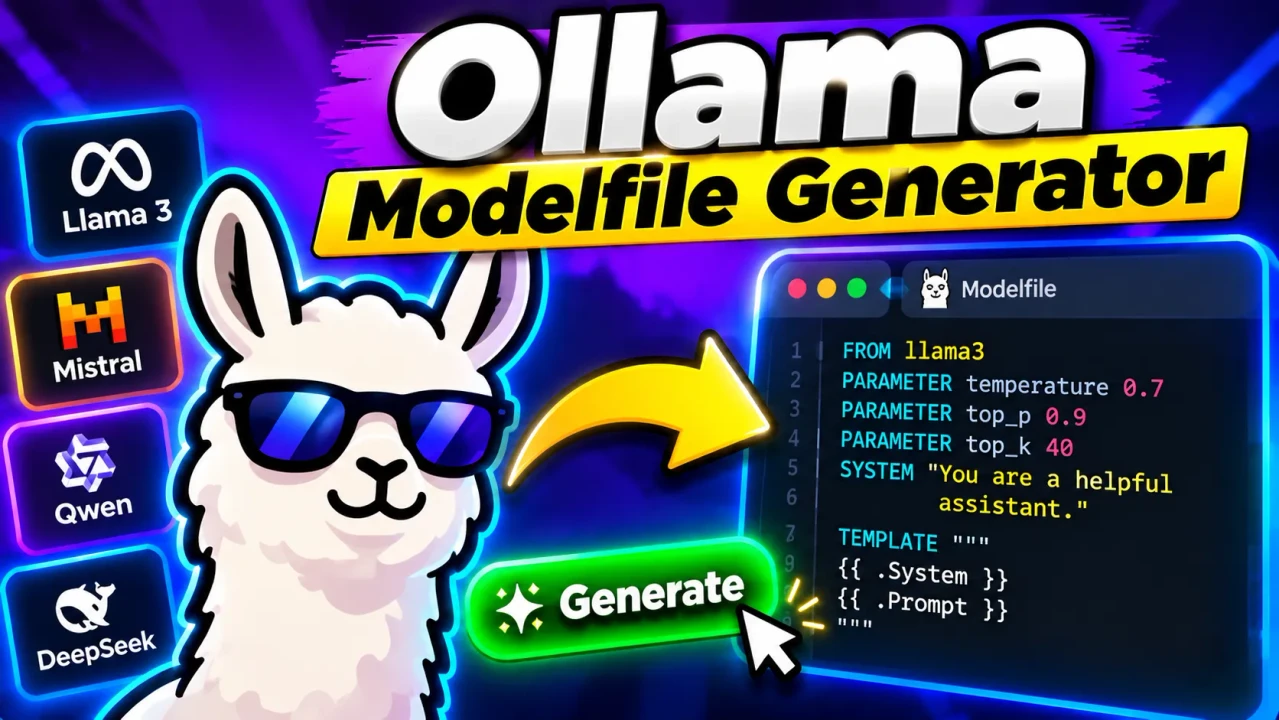
Ollama Modelfile Generator
Quick answer: The Ollama Modelfile Generator is a developer utility intended to help create Modelfile configuration text for Ollama models. A Modelfile defines how Ollama builds or configures a model, using instructions such as the base model, model parameters, system message, and prompt template. The exact fields supported by this particular generator depend on its implementation.
The Ollama Modelfile Generator is designed for developers and AI practitioners who need to prepare configuration files for local language models managed with Ollama. A Modelfile describes the model foundation and the instructions used to configure its behavior. Instead of assembling every directive from memory, users can use a generator to organize supported settings into a structured configuration.
Ollama Modelfiles use their own directive syntax. They are not ordinary JSON or YAML configuration files. Directives such as FROM, PARAMETER, SYSTEM, TEMPLATE, and MESSAGE have different purposes and should be written according to Ollama's documentation. The generator's precise input controls, output format, and validation behavior should be confirmed against the live implementation before publishing claims about specific features.
Key Takeaways
- Primary purpose: Prepare Ollama Modelfile configuration text.
- Core configuration concepts: Base models, inference parameters, system instructions, and prompt templates.
- Typical output: Text that can be reviewed and saved as a file named
Modelfile.- Best suited for: Developers configuring customized Ollama model variants.
How to Use Ollama Modelfile Generator?
The exact controls depend on the published tool interface. A typical Modelfile-generation workflow follows these steps:
- Choose the base model. Specify the model reference that the resulting configuration should use. The referenced model must be available to Ollama or otherwise resolvable by the environment where the model is created.
- Configure parameters. Add supported inference settings, such as temperature or context length, when the generator exposes them.
- Define behavior. Provide a system instruction or prompt template if those inputs are supported by the tool.
- Generate and review. Inspect the resulting text for correct directives, save it as
Modelfile, and test it with the installed Ollama version.
Generation and execution are separate operations. Producing Modelfile text does not itself guarantee that the referenced model exists, that every parameter is supported by the installed Ollama version, or that the resulting configuration will behave as intended.
Ollama Modelfile Input and Output Example
The following example illustrates a conventional Modelfile structure. It is an illustrative reference, not a verified output capture from the live ToolHox generator.
Example input values
| Setting | Example value | Purpose |
|---|---|---|
| Base model | llama3.2 |
Identifies the model to build from, if available locally or resolvable. |
| Temperature | 0.7 |
Controls sampling randomness. |
| System instruction | You are a concise technical assistant. |
Defines the intended assistant behavior. |
Illustrative generated Modelfile
FROM llama3.2
PARAMETER temperature 0.7
SYSTEM """You are a concise technical assistant."""
Save the text in a file named Modelfile. From the directory containing that file, a typical Ollama workflow is to run ollama create my-assistant -f Modelfile, then test the resulting model with ollama run my-assistant. The example assumes that the base model is available and that the installed Ollama release supports the specified directives and parameter.
Ollama Modelfile Directive Reference
The following reference summarizes common Modelfile directives documented by Ollama. It describes the configuration language, not a guaranteed list of fields exposed by this generator.
| Directive | Purpose | Example | Important consideration |
|---|---|---|---|
FROM |
Specifies the base model. | FROM llama3.2 |
The model reference must be valid in the target Ollama environment. |
PARAMETER |
Sets a supported model parameter. | PARAMETER temperature 0.7 |
Use parameter names and values accepted by the installed version. |
SYSTEM |
Defines system-level instructions. | SYSTEM You are a helpful assistant. |
Multiline instructions may require appropriate delimiters. |
TEMPLATE |
Defines the prompt template used to format requests. | TEMPLATE """{{ .Prompt }}""" |
Incorrect template variables or formatting can affect model behavior. |
MESSAGE |
Adds conversation messages in supported Modelfile workflows. | MESSAGE user Hello |
Check the installed Ollama documentation for supported message roles and syntax. |
ADAPTER |
References an adapter associated with a compatible model. | ADAPTER ./adapter |
The adapter must be compatible with the base model and available at the referenced location. |
LICENSE |
Records license text associated with the model configuration. | LICENSE MIT |
Ensure the recorded license information accurately represents the model and its terms. |
PARAMETER num_ctx |
Configures the context-window parameter where supported. | PARAMETER num_ctx 4096 |
Memory requirements and effective behavior vary by model and runtime configuration. |
How the Modelfile Configuration Works
A Modelfile is a set of instructions interpreted by Ollama when creating a model variant. The FROM directive identifies the base model; other directives can adjust runtime parameters, provide system instructions, define templates, or reference compatible assets. The exact combination depends on the intended model and the features supported by the installed Ollama release.
The generator's role is to help assemble the configuration text. It should not be confused with Ollama's model runtime, a model-training system, or an automatic guarantee that a configuration is valid. A generated file still needs to be checked in the actual environment where it will be used.
Technical Edge Cases and Limitations
- Missing base model: A syntactically plausible
FROMreference may fail when the target environment cannot resolve the model. - Unsupported parameters: Parameter names and values must match the Ollama version and the selected model's capabilities.
- Multiline text: System instructions and templates containing quotation marks, newlines, or template syntax need suitable delimiters and escaping.
- Template compatibility: A custom template that does not match the model's expected prompt structure may reduce output quality or cause unexpected behavior.
- Adapter mismatch: An adapter must be compatible with the selected base model and accessible at the referenced path.
- Resource constraints: Context length and model size can affect memory use and performance on the host machine.
- Generator-specific behavior: Supported input fields, automatic validation, error messages, and export options have not been established from the supplied tool information.
Validation and Privacy Considerations
Before relying on a generated file, inspect its directives and test it using the installed Ollama CLI. Check the official documentation for supported syntax and parameters. If the file contains proprietary system instructions or local model paths, review the actual tool's processing and data-handling behavior before entering sensitive information. The available information does not establish whether this generator processes data locally, sends it to a server, stores submissions, or provides a downloadable file directly.
For authoritative syntax details, consult the official Ollama Modelfile documentation and the Ollama project repository.
Author
Author Name: Daniel Brooks
Author Description: Software engineering content specialist focused on developer tooling, configuration formats, and local AI workflows.
Technical Review: The Modelfile examples and directive descriptions should be checked against the official Ollama documentation and the specific generator implementation before publication. No independent implementation test of the live ToolHox generator is claimed here.
