
Next.js Middleware Matcher Regex Generator For Routes
Generate Next.js middleware matcher regex patterns for route inclusion and exclusions. Review path rules and test edge cases before configuring your routes.
Matcher coverage is not an authorization boundary — enforce authorization inside Server Functions.
100% private — generation runs in your browser. Matchers must be statically analyzable constants.
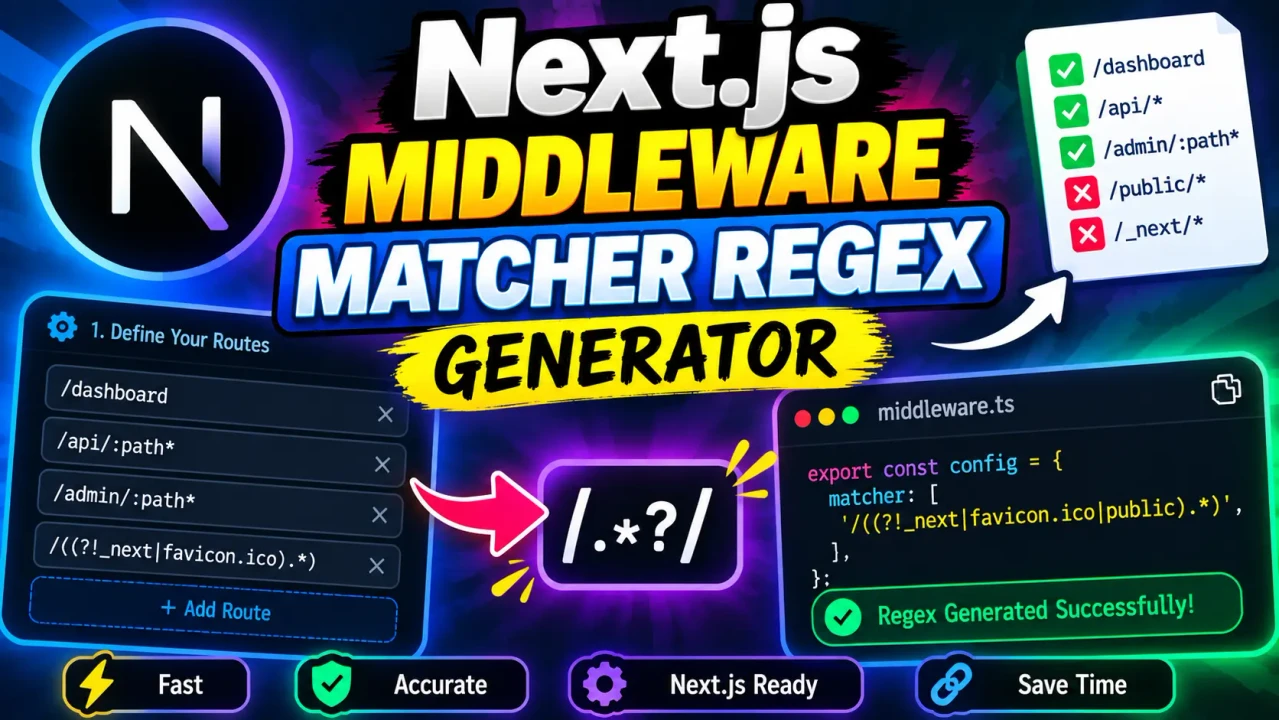
Next.js Middleware Matcher Regex Generator
Quick answer: The Next.js Middleware Matcher Regex Generator helps developers understand and construct regular-expression patterns for matching URL paths in Next.js middleware configuration. It is intended to support the creation of matcher patterns that determine which routes middleware should process.
The Next.js Middleware Matcher Regex Generator is a developer utility for working with route-matching patterns used in Next.js middleware. Next.js uses the matcher configuration to specify which request paths should invoke middleware. Carefully designed matchers help developers include the routes that require authentication, redirects, request processing, or other middleware logic while excluding paths that do not need that processing.
Regular-expression-style patterns can be difficult to maintain when a project needs to exclude multiple path prefixes, match nested routes, or distinguish public routes from protected routes. A matcher generator provides a focused workflow for constructing and inspecting these patterns rather than repeatedly editing complicated expressions by hand.
Key Takeaways
- Primary function: Assist with constructing Next.js middleware matcher patterns.
- Core concept: Match request paths and selectively apply middleware.
- Typical use cases: Route protection, path exclusions, and selective request handling.
- Important distinction: Next.js matcher configuration has its own constraints; a JavaScript regular expression is not automatically a valid middleware matcher.
How to Use Next.js Middleware Matcher Regex Generator?
- Identify the routes to match. Determine whether middleware should run on every application route, only selected path prefixes, or nested routes.
- List exclusions. Identify paths that should bypass middleware, such as selected API endpoints, static assets, or image resources.
- Construct the matcher. Express the desired route scope using the syntax supported by the generator and the relevant Next.js version.
- Review the result. Inspect the generated pattern and configuration before adding it to your application's middleware or proxy configuration.
- Test representative paths. Check included routes, excluded routes, nested paths, and boundary cases in your application.
The exact controls and generated output available in the deployed generator should determine the final input instructions. Since the supplied tool information establishes the tool name but does not specify its actual interface, this description does not assume particular form fields, exclusion toggles, export controls, or processing behavior.
Input and Output Example
Consider an application that needs middleware to run on most pages but should exclude Next.js static assets and image resources. The following illustrates the relevant Next.js configuration pattern; it is a documentation example, not a claim that the generator has been tested against this input.
Example configuration
export const config = {
  matcher: [
    '/((?!_next/static|_next/image|favicon.ico).*)',
  ],
};
This matcher uses a negative lookahead to exclude specified path prefixes or names from the matched route pattern. The precise behavior depends on the URL being evaluated and the matching rules supported by the applicable Next.js release.
Example interpretation
| Request path | Expected intent | Important consideration |
|---|---|---|
/dashboard |
Include in middleware matching | Typical application route. |
/settings/profile |
Include in middleware matching | Nested application route. |
/_next/static/chunks/app.js |
Exclude from middleware matching | Static asset path. |
/_next/image |
Exclude from middleware matching | Image optimization endpoint. |
/favicon.ico |
Exclude from middleware matching | Favicon path. |
These cases illustrate the intended configuration behavior. Actual matching should be verified against the precise matcher pattern and the Next.js version in use.
Next.js Middleware Matcher Reference
Use the following reference when deciding which route patterns to construct. It distinguishes common path-matching requirements from the configuration decisions that developers must make.
| Matching requirement | Example path | Configuration consideration |
|---|---|---|
| Match a top-level page | /dashboard |
Confirm that the matcher includes the intended route. |
| Match nested application pages | /account/security |
Check whether the selected pattern covers descendant paths. |
| Exclude framework assets | /_next/static/chunks/app.js |
Exclude the relevant framework-managed asset prefix when appropriate. |
| Exclude optimized images | /_next/image |
Account for the image optimization route when required. |
| Exclude a public endpoint | /api/health |
Define the exact endpoint scope instead of broadly excluding every API route. |
| Protect private application pages | /admin/users |
Ensure the matcher includes protected paths and test authorization separately. |
| Handle a root path | / |
Verify root-path behavior explicitly; not every expression treats it like a nested route. |
How Next.js Matcher Patterns Work
Next.js matcher configuration determines which request paths are eligible to invoke middleware. Depending on the Next.js version and application setup, configuration may accept path patterns, arrays of matchers, and additional matching conditions. Matcher values must conform to the framework's documented configuration rules.
Consider this expression:
/((?!api|_next/static|_next/image).*)The negative lookahead, (?!...), checks that the characters at the current position do not begin one of the listed alternatives. The remaining pattern, .*, allows the expression to consume the rest of the path. The result is an exclusion-oriented pattern, but its exact behavior depends on the matching engine, path normalization, and whether exclusions are anchored as intended.
For example, excluding api without an explicit path boundary may have a different effect from excluding only the /api/ prefix. A developer should test paths such as /api/users, /apiary, and /dashboard to detect unintended matches.
Next.js Middleware Matcher Limitations and Edge Cases
- Framework version: Middleware and routing conventions change between Next.js versions. Verify the appropriate documentation for your installed version.
- Configuration constraints: Matcher configuration is not interchangeable with arbitrary JavaScript regex syntax. Use only patterns and options supported by Next.js.
- Prefix collisions: A broad exclusion such as
apican unintentionally affect paths that merely start with the same characters. - Root and nested paths: Test
/, a top-level path, and a deeply nested path separately. - Query strings: Matcher configuration generally targets request paths rather than treating query strings as ordinary path segments. Use the appropriate matching features for request conditions.
- Authorization: A matcher decides where middleware runs; it does not itself authenticate users or guarantee that protected resources are secure.
- Malformed patterns: Incorrect syntax or unsupported matcher configuration may fail validation or produce unintended route coverage. Inspect the generated result and verify it in the application.
- Processing behavior: The supplied information does not establish whether this generator executes locally, transmits inputs, stores generated patterns, or provides automated validation.
Official Next.js Documentation
- Next.js Proxy documentation — consult this reference for current routing and matcher configuration guidance in versions that use the Proxy convention.
- Next.js 14 Middleware documentation — useful for understanding the middleware convention and matcher behavior in Next.js 14.
Always follow the documentation for the Next.js version installed in your project. In newer releases, the convention and documentation may differ from older middleware examples.
Author
Author Name: Michael Turner
Author Description: Software Engineer specializing in JavaScript, TypeScript, web application routing, and developer tooling.
Technical Review: The technical explanation covers the purpose of Next.js matcher configuration, negative-lookahead patterns, route exclusions, and the need to validate behavior against the installed framework version. The examples are illustrative documentation examples and should not be treated as a verified test report for the deployed generator.
