
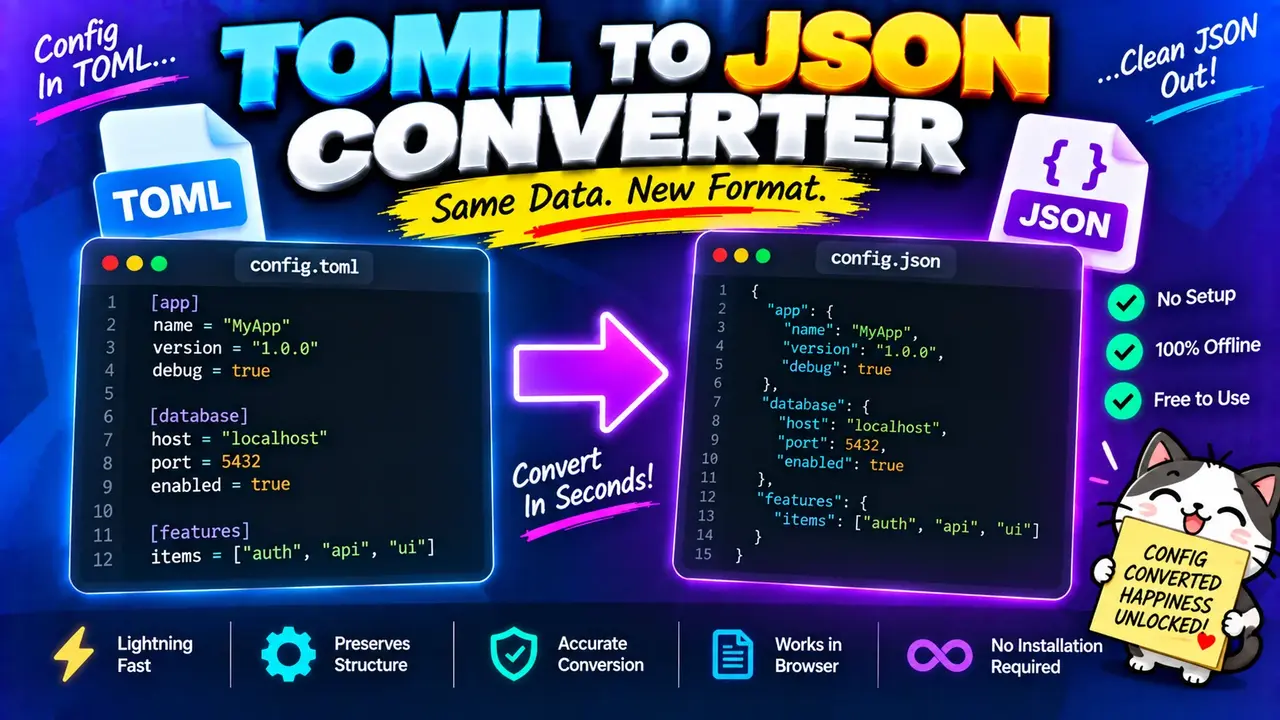
Toml To Json Converter - Convert Toml Files Online
Quick answer: The Toml To Json Converter is a data conversion utility that transforms TOML (Tom's Obvious, Minimal Language) configuration data into JSON (JavaScript Object Notation). It helps developers convert configuration files into a structured JSON representation for applications, scripts, APIs, and data-processing workflows.
TOML and JSON represent structured data using different syntax. TOML uses assignment statements, table headers, and human-readable configuration values, while JSON uses objects, arrays, strings, numbers, booleans, and null. Converting TOML to JSON makes configuration data available to tools and applications that consume JSON.
The Toml To Json Converter is useful when working with application settings, project configuration, development environments, deployment parameters, and structured data exchange. Instead of manually rewriting TOML keys and values, users can convert the configuration into JSON syntax and review the resulting structure.
What Can You Convert from TOML to JSON?
- Key-value pairs: Convert TOML assignments into JSON object properties.
- Tables: Represent TOML table sections as nested JSON objects.
- Arrays: Preserve ordered collections as JSON arrays.
- Inline tables: Represent nested key-value collections as JSON objects.
- Strings, integers, floats, and booleans: Convert supported primitive values into corresponding JSON values.
- Date and time values: Review their representation carefully because TOML has date and time types that JSON does not provide as native types.
Conversion depends on valid TOML input and the converter's handling of TOML-specific types. The exact processing implementation and supported options should be confirmed against the deployed tool.
How to Use Toml To Json Converter?
- Provide the TOML input. Paste your TOML configuration into the available input area or select a TOML file if file upload is supported by the interface.
- Check the syntax. Make sure key-value assignments, strings, arrays, and table declarations follow valid TOML syntax.
- Run the conversion. Use the converter's available action to transform the TOML data into JSON.
- Review the JSON output. Check the nesting, data types, values, and formatting before using the result in another application.
What Should You Enter?
A TOML document normally contains one or more key-value assignments. Table headers organize related values into named sections. For example, application configuration can include a project name, debugging settings, a port number, and a list of enabled features.
Use a complete TOML document whenever possible. If the configuration contains nested tables, arrays of tables, multiline strings, or date and time values, include those structures in your test input so you can inspect how the converter represents them.
What Does the JSON Output Contain?
The output is JSON text representing the input's data structure. TOML table headers become nested objects, arrays remain arrays, and supported primitive values retain their corresponding JSON types. JSON property names use double-quoted strings, and key-value separators use colons rather than TOML's equals signs.
TOML to JSON: Input and Output Example
Consider a TOML configuration for a small web application.
Input: TOML
app_name = "Inventory API"
debug = false
port = 8080
features = ["search", "reports"]

[database]
host = "localhost"
port = 5432
enabled = true
Output: JSON
{
  "app_name": "Inventory API",
  "debug": false,
  "port": 8080,
  "features": [
    "search",
    "reports"
  ],
  "database": {
    "host": "localhost",
    "port": 5432,
    "enabled": true
  }
}
This example demonstrates the expected structural mapping for these TOML values. The top-level assignments become properties of a JSON object, the features list becomes an array, and the database table becomes a nested object.
Notice that 8080 is a JSON number, false remains a boolean, and quoted strings remain strings. These values should not be converted indiscriminately into text, because doing so changes their data types.
TOML to JSON Type Mapping Reference
The following table summarizes the standard conceptual mapping between common TOML constructs and JSON structures. Date and time values require particular attention because JSON has no native date or time data type.
| TOML Construct | JSON Representation | Conversion Rule |
|---|---|---|
name = "Atlas" |
"name": "Atlas" |
String value becomes a JSON string. |
count = 42 |
"count": 42 |
Integer becomes a JSON number, subject to implementation precision. |
ratio = 2.5 |
"ratio": 2.5 |
Floating-point value becomes a JSON number. |
active = true |
"active": true |
Boolean remains a JSON boolean. |
items = ["a", "b"] |
"items": ["a", "b"] |
Array order is preserved. |
[server] |
"server": { ... } |
Table becomes a nested JSON object. |
server = { host = "localhost" } |
"server": {"host": "localhost"} |
Inline table becomes a JSON object. |
enabled = false |
"enabled": false |
Boolean remains a boolean, not a quoted string. |
name = "null" |
"name": "null" |
The quoted text remains a string, not JSON null. |
created = 2026-10-11 |
Implementation-dependent representation | TOML dates need an explicit JSON representation policy. |
These mappings describe the data model, not a guarantee about every implementation's formatting or date handling. For reliable interoperability, verify the actual converter output for the TOML constructs used in your configuration.
How TOML to JSON Conversion Works
TOML is designed to represent configuration data with unambiguous structure. Its specification defines strings, integers, floats, booleans, date and time values, arrays, tables, and inline tables. JSON represents structured data with objects and arrays, alongside strings, numbers, booleans, and null.
A TOML-to-JSON conversion therefore involves interpreting the source syntax and constructing an equivalent JSON-compatible structure.
- Parse the source: Read TOML assignments, table declarations, arrays, and supported values according to TOML syntax.
- Build the data structure: Group table properties under their corresponding keys and retain array ordering.
- Represent the values: Map compatible values to JSON types and apply an explicit policy to TOML-specific types.
- Serialize the result: Produce JSON text using braces, brackets, colons, commas, and correctly escaped strings.
The result should be checked as JSON before it is passed to another program. Successful parsing of TOML alone does not establish that every source value can be represented without semantic changes in JSON.
Technical Edge Cases and Limitations
Dates and Times
TOML supports offset date-time, local date-time, local date, and local time values. JSON does not define equivalent native types. A converter must choose a representation, such as a string, to preserve these values in JSON. Check the output before relying on date formats or timezone information.
Comments and Whitespace
TOML comments begin with a hash character outside strings. JSON has no standard comment syntax. Comments and source formatting are therefore not represented as ordinary JSON data properties. Do not expect a JSON conversion to preserve TOML comments as comments in the output.
Nested Tables and Arrays of Tables
TOML table headers define object-like groupings, while arrays of tables represent repeated structured records. Check that nested objects and repeated entries appear at the correct depth and in the expected order after conversion.
Quoted Keys and Special Characters
TOML supports quoted keys, including keys containing characters that would not be permitted in bare keys. JSON object property names are strings, so inspect the output to ensure these names remain unchanged and are correctly escaped.
Large Integers and Numeric Precision
JSON syntax supports numbers, but consuming programming languages may have different numeric precision and range limits. Large TOML integers can lose precision when interpreted by a downstream system with limited numeric support. Validate important numeric values when moving configuration data between languages.
Invalid or Empty Input
Malformed TOML cannot be reliably converted into its intended data structure. Check for missing values, duplicate definitions, invalid delimiters, incorrect table declarations, and unterminated strings. The exact error messages and handling of empty input depend on the deployed converter implementation.
Supported Data and Important Limitations
Standard TOML Constructs
- Key-value assignments.
- Strings, integers, floating-point values, and booleans.
- Arrays and nested tables.
- Inline tables and arrays of tables.
- Date and time values, subject to the converter's representation policy.
What to Verify Before Using the Output
- Whether the converter accepts the TOML version used by your file.
- How date and time values are serialized.
- Whether large integers retain the required precision.
- Whether empty input or malformed TOML produces a useful error.
- Whether the resulting JSON is accepted by the target application.
The input and output capabilities listed above describe TOML and JSON data structures and their expected conversion relationships. They do not independently verify the deployed tool's file-upload features, processing location, size limits, or export options.
Technical References
- TOML v1.0.0 Specification — Defines TOML syntax, values, tables, arrays, and date-time types.
- RFC 8259: The JSON Data Interchange Format — Defines JSON syntax and its supported data types.
Author Information
Author Name: Michael Anderson
Author Description: Software Engineer specializing in data serialization, configuration formats, and developer tooling.
Technical Review: The technical content explains the standard TOML and JSON data models, their structural mappings, and the interoperability considerations associated with TOML date-time values and numeric precision. The deployed converter's implementation-specific behavior should be verified separately.
