
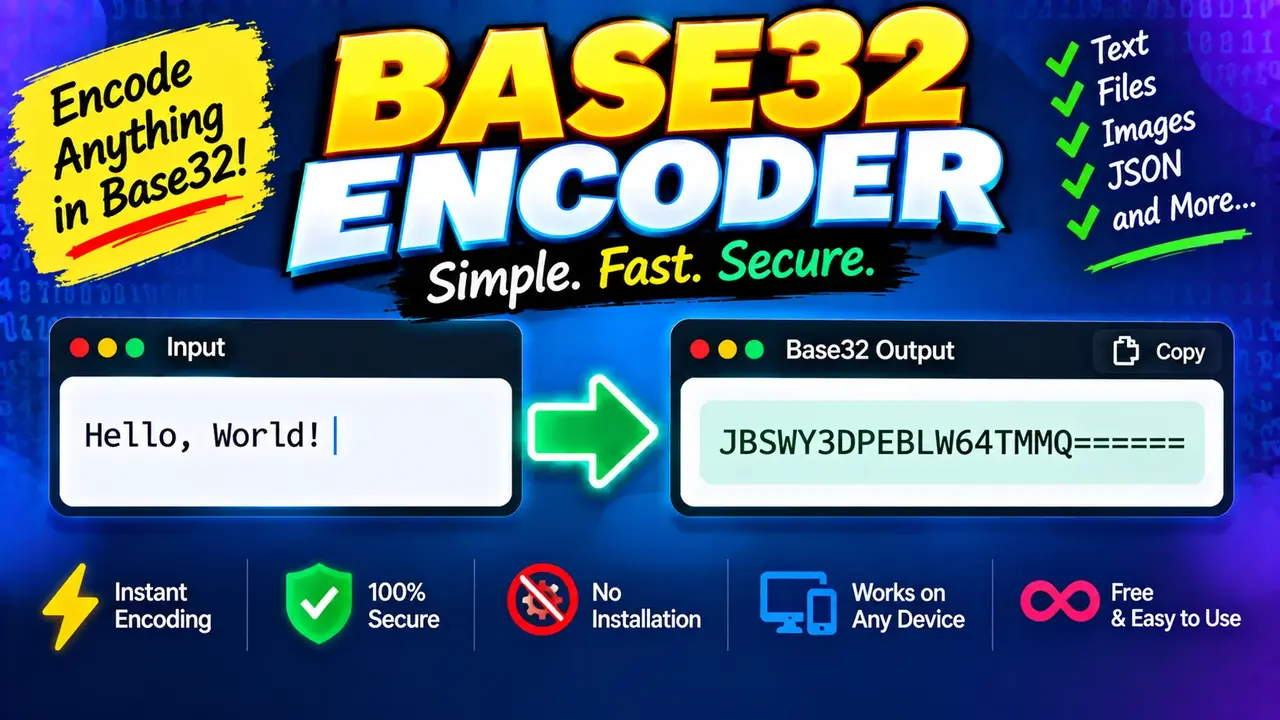
Fast Base32 Encoder and Decoder Tool
Quick answer: The Fast Base32 Encoder and Decoder Tool converts text or compatible byte data into Base32-encoded strings and decodes valid Base32 strings back into their original bytes. Base32 is useful for representing binary data using a restricted set of printable characters, particularly when data must be handled in text-oriented systems.
The Fast Base32 Encoder and Decoder Tool is a developer utility for converting data between its original representation and Base32 encoding. It is useful for developers, system administrators, testers, and technical users who need to inspect encoded values, prepare text for Base32-compatible systems, or decode existing Base32 data for analysis.
Base32 is a binary-to-text encoding scheme defined in RFC 4648. It represents data using the uppercase letters A–Z and digits 2–7, with padding characters used in the standard representation when necessary. Unlike encryption, Base32 encoding does not protect confidential information. It changes how bytes are represented, not whether those bytes can be read by someone else.
Important: The exact accepted input types, decoding options, error handling, and processing location depend on the implementation of the tool. No particular browser-only processing or privacy guarantee is assumed here.
TL;DR / Key Takeaways
- Primary Function: Encode and decode data using Base32.
- Encoding Alphabet: A–Z and 2–7, with optional padding according to the applicable representation.
- Core Output: A Base32 string when encoding, or the decoded original bytes when decoding.
- Best Suited For: Developers, data inspection, testing, and text-based data interchange.
- Security Note: Base32 is encoding, not encryption, hashing, or compression.
How to Use Fast Base32 Encoder and Decoder Tool?
- Select the operation: Choose encoding to convert input bytes into Base32, or decoding to recover bytes from a Base32 string, if the tool exposes both modes.
- Enter the input: Supply the text or encoded string in the format accepted by the interface.
- Run the conversion: Activate the appropriate encode or decode action.
- Inspect the result: Review the output and verify that the decoded data matches the original input when testing a round trip.
What Input Should You Provide?
For encoding, the underlying operation accepts bytes. If the interface accepts text, that text must first be represented as bytes using a character encoding, commonly UTF-8. For decoding, provide a Base32 string that follows the alphabet and padding rules expected by the decoder.
For example, the text hello encoded as UTF-8 produces the Base32 string NBSWY3DP under the RFC 4648 Base32 alphabet. Decoding that string recovers the original bytes for hello.
Input and Output Example
Encoding example
Input text:
hello

Text encoding:
UTF-8

Base32 output:
NBSWY3DP
Decoding example
Base32 input:
NBSWY3DP

Decoded bytes interpreted as UTF-8:
hello
This example uses a five-byte input. Five bytes contain 40 bits, which fit exactly into eight Base32 symbols because each symbol represents five bits. Consequently, this particular output needs no padding.
Base32 Alphabet and Encoding Reference
RFC 4648 Base32 divides a byte stream into five-bit groups. Each group maps to one symbol from the Base32 alphabet. Since a byte contains eight bits, the encoding may require padding to represent the final incomplete group in the standard padded form.
| Value | Base32 Symbol | Meaning |
|---|---|---|
| 0 | A | First five-bit value |
| 1 | B | Second five-bit value |
| 2 | C | Third five-bit value |
| 3 | D | Fourth five-bit value |
| 4 | E | Fifth five-bit value |
| 5 | F | Sixth five-bit value |
| 6 | G | Seventh five-bit value |
| 7 | H | Eighth five-bit value |
| 8–25 | I–Z | Remaining letter values |
| 26–31 | 2–7 | Final six values |
Base32 Padding Reference
In the standard RFC 4648 Base32 representation, the output is grouped into blocks of eight symbols. The equals sign (=) can fill unused positions in the final block. The number of padding characters depends on the original byte length.
| Input Length | Encoded Symbols Before Padding | Standard Padding | Example Output |
|---|---|---|---|
| 1 byte | 2 | 6 equals signs | MY====== for f |
| 2 bytes | 4 | 4 equals signs | MZXQ==== for fo |
| 3 bytes | 5 | 3 equals signs | MZXW6=== for foo |
| 4 bytes | 7 | 1 equals sign | MZXW6YQ= for foob |
| 5 bytes | 8 | None | MZXW6YTB for fooba |
These examples describe the standard Base32 alphabet and padding convention. A particular decoder may also accept unpadded input or reject noncanonical representations. Check the implementation's behavior when interoperability depends on exact formatting.
How Base32 Encoding and Decoding Work
Encoding methodology
Base32 converts a byte stream into five-bit values. Each value is represented by one character from the alphabet. Because five does not divide evenly into eight, the process combines bits across byte boundaries. Padding is added when needed to complete the final eight-character block in the standard representation.
- Represent the input as bytes, such as UTF-8 bytes for text.
- Read the bits in sequence and divide them into five-bit groups.
- Map each group to the corresponding Base32 symbol.
- Add standard padding where the final encoded block is incomplete.
Decoding methodology
A Base32 decoder maps each valid symbol back to its five-bit value, reconstructs the original byte stream, and handles padding according to the selected Base32 rules. If the recovered bytes represent text, a text decoder such as UTF-8 can interpret them as characters.
Base32 encoding is reversible when the input bytes and decoding rules are preserved. It does not discard data in a valid encode/decode round trip.
Edge Cases and Limitations
- Empty input: An empty byte sequence has an empty Base32 representation. Whether the interface accepts empty input is implementation-dependent.
- Invalid characters: Characters outside the standard alphabet may cause decoding to fail. Do not assume that whitespace or punctuation will be ignored.
- Incorrect padding: Excessive, misplaced, or otherwise invalid padding can cause rejection by a strict decoder.
- Lowercase input: The standard Base32 alphabet is uppercase. Some decoders accept lowercase letters, but this behavior is not universal.
- Binary output: Decoding does not guarantee readable text. The resulting bytes may represent an image, key, file fragment, or other binary data.
- Unicode text: Text should be encoded and decoded using a consistent character encoding. UTF-8 is a common choice, but Base32 itself does not define text character interpretation.
- Large inputs: Processing time and memory use depend on the implementation and input size. No maximum input size is specified here.
- Nonstandard variants: Base32 variants may use different alphabets or conventions. A string created with one variant may not decode correctly with another.
Base32 vs. Base64 vs. Hexadecimal
| Encoding | Alphabet Characteristics | Typical Use |
|---|---|---|
| Base32 | Letters A–Z, digits 2–7, optional standard padding | Text-oriented representations using a restricted alphabet |
| Base64 | Uppercase and lowercase letters, digits, plus and slash in the standard alphabet | Compact representation of binary data in text formats |
| Hexadecimal | Digits 0–9 and letters A–F | Byte inspection, debugging, hashes, and binary diagnostics |
Base32 generally produces a longer encoded string than Base64 for the same bytes because it uses five bits per symbol instead of six. Hexadecimal uses two characters per byte. Choose the representation based on the destination system's character constraints, readability needs, and compatibility requirements.
Security and Technical Considerations
Base32 is not a security mechanism. Anyone with the encoded string and a compatible decoder can recover the original bytes. Do not use Base32 as a substitute for encryption, access control, or cryptographic hashing.
If an encoded value contains an API token, recovery code, password-derived material, or other sensitive information, handle both the encoded and decoded values according to the sensitivity of the original data. The encoding itself does not make the information secret.
The Base32 alphabet and padding conventions described here follow RFC 4648: Base-N Encodings. For additional context on character encoding and Unicode text, consult the Unicode Standard.
Technical Disclaimer: These examples describe standard RFC 4648 Base32 behavior. Actual interface options, validation rules, accepted variants, input limits, and processing architecture should be confirmed against the deployed tool implementation.
Author: Daniel Brooks — Software Engineer specializing in data encoding, text processing, and developer utilities.
Technical Review: Daniel Brooks — Reviews the Base32 alphabet, bit-group mapping, standard padding examples, and the distinction between byte decoding and text interpretation.
