
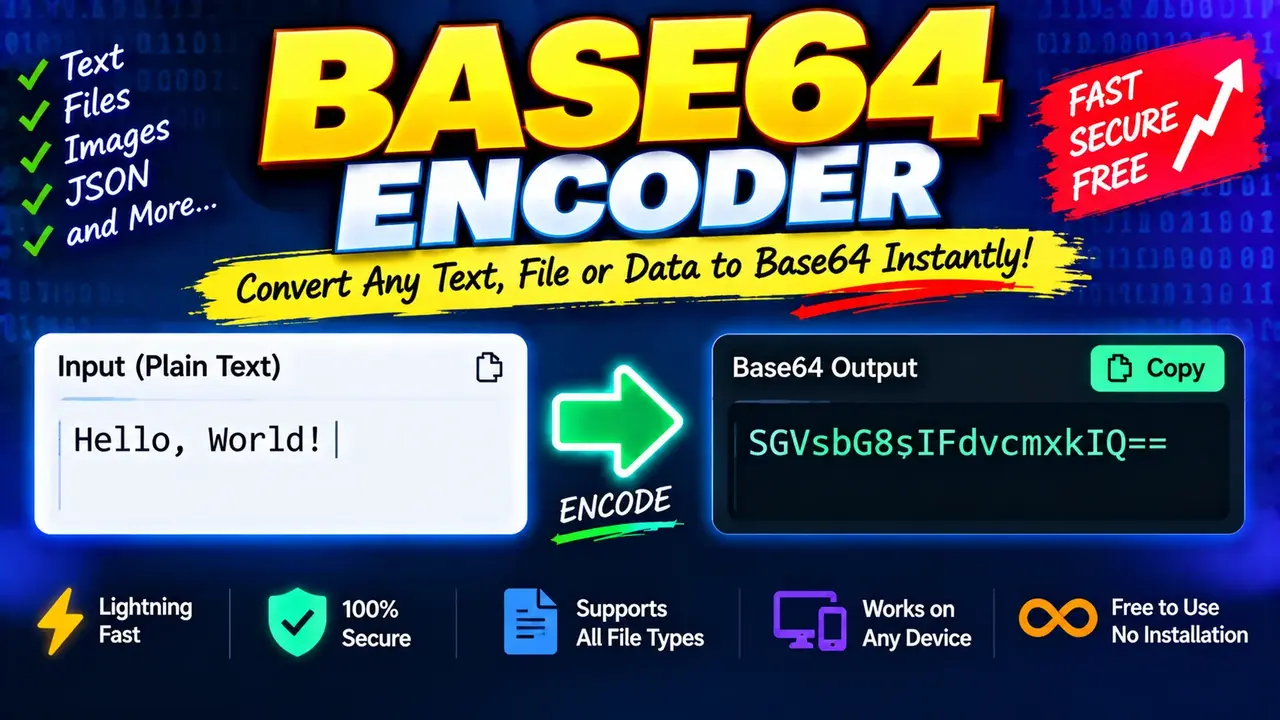
Free Base64 Encoder and Decoder Online
A Free Base64 Encoder and Decoder Online is a developer utility that converts text into Base64-encoded strings and decodes Base64 strings back into readable text when the encoded content represents valid text. It is useful for developers, web designers, API testers, and anyone who needs to inspect or transform Base64 data.
Quick answer: Use a Base64 encoder to convert text into a Base64 representation, or use a Base64 decoder to turn an encoded string back into its original text. Base64 is a data encoding scheme, not encryption, so it does not protect sensitive information.
Key Takeaways
- Primary function: Encode text to Base64 and decode Base64 text.
- Input: Plain text or a Base64-encoded string.
- Output: A Base64 string or decoded text.
- Common uses: API payloads, data inspection, text transfer, and debugging.
- Important limitation: Base64 encoding does not provide confidentiality, authentication, or integrity protection.
How to Use Free Base64 Encoder and Decoder Online?
- Enter your input: Paste the text you want to encode or the Base64 string you want to decode.
- Choose the operation: Select encoding for plain text or decoding for Base64 data, depending on the controls provided by the tool.
- Run the conversion: Use the relevant action to process the input.
- Review the output: Check the result and copy it for your application or workflow if copying is supported.
The exact available controls, file support, output options, and error handling depend on the deployed implementation of the tool. The examples and technical reference below describe standard Base64 behavior rather than unverified interface features.
Input and Output Examples
Example 1: Encode Plain Text
Input:
Hello WorldOutput:
SGVsbG8gV29ybGQ=The encoded output represents the UTF-8 bytes of the text using Base64 characters. The trailing equals sign is padding, which is used in standard Base64 when needed to complete the final encoding group.
Example 2: Decode Base64 Text
Input:
SGVsbG8gV29ybGQ=Decoded output:
Hello WorldDecoding reverses the Base64 representation to recover the original bytes. Displaying those bytes as readable text also requires choosing the appropriate character encoding, typically UTF-8 for modern text data.
Example 3: Encode a Short JSON Value
Input:
{"status":"ok"}Output:
eyJzdGF0dXMiOiJvayJ9This example encodes the literal JSON text. Base64 does not validate the JSON structure or change its meaning; it only represents the input bytes in a different textual form.
Base64 Character and Padding Reference
Standard Base64 converts groups of three input bytes into four encoded characters. It uses an alphabet of 64 characters, with padding added when the final input group contains fewer than three bytes.
| Input byte count in final group | Base64 output characters in final group | Padding |
|---|---|---|
| 3 bytes | 4 | None |
| 2 bytes | 4 | One equals sign (=) |
| 1 byte | 4 | Two equals signs (==) |
Standard Base64 Alphabet
| Character range | Characters | Purpose |
|---|---|---|
| Uppercase letters | A–Z |
First 26 alphabet values |
| Lowercase letters | a–z |
Next 26 alphabet values |
| Digits | 0–9 |
Next 10 alphabet values |
| Symbols | + and / |
Final two alphabet values in standard Base64 |
| Padding | = |
Indicates padding in the final encoded group |
Base64URL, defined for URL- and filename-safe use, replaces + with - and / with _. Padding may be omitted in some Base64URL contexts. Do not assume that a standard Base64 decoder and a Base64URL decoder handle every variation identically.
How Base64 Encoding Works
Base64 treats input as bytes rather than as words, sentences, or structured documents. Each group of up to three bytes is split into six-bit values. Each six-bit value maps to one character in the Base64 alphabet. Four six-bit values therefore produce four encoded characters for every complete three-byte input group.
For example, the text Man is represented in ASCII and UTF-8 as three bytes. Those bytes form four six-bit values, producing the Base64 string TWFu. Because the input contains exactly three bytes, no padding is required.
For an input of n bytes, the length of standard padded Base64 output is:
4 × ceil(n / 3)This formula predicts encoded character length for byte input, excluding any separate line wrapping or application-specific formatting. It does not predict character count directly for Unicode text because a character may occupy multiple UTF-8 bytes.
Technical Edge Cases and Limitations
- Empty input: An empty byte sequence encodes to an empty Base64 string. The tool's handling of empty fields depends on its implementation.
- Unicode text: Non-ASCII characters must first be represented as bytes using a character encoding such as UTF-8. The same visible text can produce different Base64 output under different encodings.
- Invalid input: A decoder may reject malformed Base64, ignore permitted whitespace, or accept certain noncanonical inputs. Exact validation behavior depends on the decoder.
- Padding: Standard Base64 commonly uses one or two trailing equals signs when required. Some variants omit padding, so confirm which format your receiving application expects.
- Binary data: Decoded bytes may not be readable text. Images, compressed data, and arbitrary binary content should be treated as bytes rather than automatically interpreted as text.
- Large input: Memory use, processing time, and input limits depend on the actual implementation. No specific maximum input size is asserted here.
- Security: Base64 is reversible encoding. Never treat a Base64 string as a substitute for encryption, a password hash, or a digital signature.
Security and Privacy Considerations
Base64 is designed to represent data using a restricted textual alphabet. It is not a security mechanism. Anyone who obtains a Base64 string can generally decode it without a secret key.
Do not encode passwords, access tokens, private keys, or confidential records as a way to secure them. If the data must remain confidential, use an appropriate encryption scheme and manage the keys separately.
The processing location, data-retention behavior, and network activity of this particular website implementation have not been established by the supplied tool details. Avoid entering sensitive information unless the site's verified privacy and processing behavior meets your requirements.
Author and Technical Review
Author Name: Michael Turner
Author Description: Software Engineer specializing in web technologies, text encoding, and developer utilities.
Technical Review: This content explains standard Base64 byte-to-text conversion, padding, output-length calculation, UTF-8 considerations, and the distinction between encoding and encryption. Confirm implementation-specific behavior against the deployed tool before documenting interface controls or processing guarantees.
Authoritative References
- RFC 4648: The Base16, Base32, and Base64 Data Encodings — defines the standard Base64 and Base64URL encoding formats.
- MDN Web Docs: Base64 — explains Base64 representation and common web development considerations.
