
Openai Batch Api Cost Calculator For Token Budget Planning
Estimate OpenAI Batch API costs from model choice and input/output token counts. Compare batch and standard pricing to plan large workloads with confidence.
Please complete this field to continue.
Please complete this field to continue.
Please complete this field to continue.
Please complete this field to continue.
Please complete this field to continue.
Please complete this field to continue.
Results
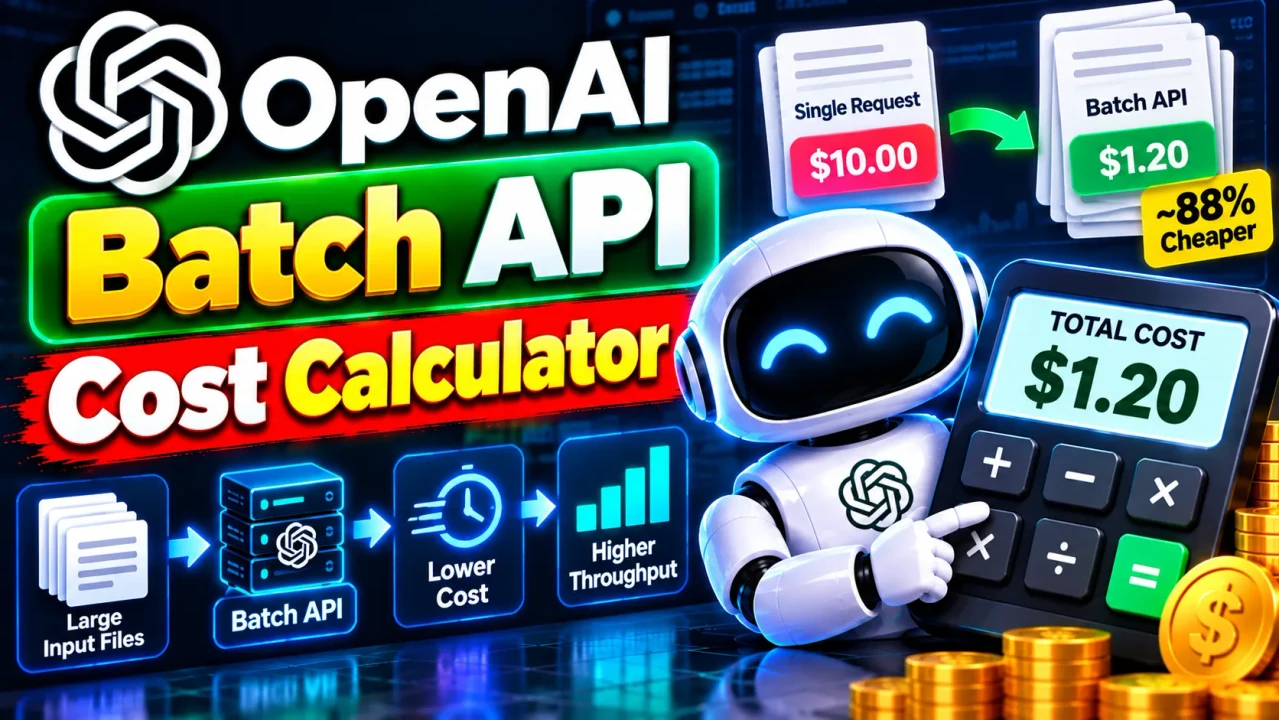
OpenAI Batch API Cost Calculator
Quick answer: The OpenAI Batch API Cost Calculator estimates the cost of processing AI requests through OpenAI's Batch API using model pricing and token usage. It helps developers, AI engineers, and businesses estimate input-token and output-token expenses, compare batch processing costs with standard API pricing, and plan budgets for large asynchronous workloads.
The OpenAI Batch API is designed for tasks that do not require immediate responses. OpenAI documents a 50% cost discount compared with synchronous API processing for eligible Batch API workloads. This makes batch processing useful for dataset classification, content extraction, evaluations, embeddings, and other large-scale jobs that can tolerate asynchronous completion.
The OpenAI Batch API Cost Calculator provides a way to estimate these expenses before submitting a workload. The estimate depends on the selected model, expected input tokens, expected output tokens, and applicable pricing rates. Actual charges can differ when requests use cached tokens, additional billed features, special processing tiers, or pricing that changes over time.
Key Takeaways
- Primary function: Estimate OpenAI Batch API processing costs.
- Main variables: Model, input tokens, output tokens, and applicable token rates.
- Cost comparison: Compare estimated batch expenses with standard processing costs.
- Best suited for: Developers, data teams, AI application builders, and organizations processing large request volumes.
How to Use OpenAI Batch API Cost Calculator?
Use the calculator to model the expected cost of an API workload before submitting a batch. Enter the available usage estimates and choose the model and pricing configuration offered by the calculator.
- Select the model: Choose the OpenAI model that will process your requests. Different models have different input and output token rates.
- Enter input tokens: Estimate the total number of tokens sent to the model across all requests.
- Enter output tokens: Estimate the total number of tokens generated by the model across the workload.
- Review the estimate: Compare the projected Batch API cost with the applicable standard API cost, if the calculator provides both values.
Use aggregate token counts for the entire workload rather than entering the number of requests as though it were a token count. If you know only the request count, estimate average input and output tokens per request first.
Input and Output Example
Consider a hypothetical workload using GPT-6 Luna with 2,000,000 input tokens and 500,000 output tokens. For this illustration, the published standard rates are $0.05 per million input tokens and $0.25 per million output tokens. Applying a 50% Batch API discount gives illustrative rates of $0.025 and $0.125 per million tokens, respectively.
Worked Calculation
Input tokens:  2,000,000
Output tokens:   500,000

Batch input cost:
(2,000,000 / 1,000,000) × $0.025 = $0.0500

Batch output cost:
(500,000 / 1,000,000) × $0.125 = $0.0625

Estimated Batch API cost:
$0.0500 + $0.0625 = $0.1125

Estimated standard API cost:
(2 × $0.05) + (0.5 × $0.25) = $0.2250

Illustrative savings:
$0.2250 - $0.1125 = $0.1125
This example illustrates token-based text pricing, not a guaranteed quote. Confirm current rates for the exact model and processing configuration before using the result for financial planning.
OpenAI Batch API Cost Formula
A basic token-based cost estimate uses the following formula:
Input Cost = (Input Tokens / 1,000,000) × Input Rate

Output Cost = (Output Tokens / 1,000,000) × Output Rate

Estimated Total = Input Cost + Output Cost

Batch Estimate = Standard Estimate × 0.5
The final formula assumes that the applicable Batch API rates are exactly 50% of the corresponding standard rates and that both estimates use the same eligible model and pricing basis.
- Input tokens: Tokens consumed by the model as input.
- Output tokens: Tokens generated by the model.
- Input rate: Price per million input tokens.
- Output rate: Price per million output tokens.
- 0.5 multiplier: The documented 50% Batch API discount for eligible workloads.
For models with separate cached-input rates, image or audio usage, tool charges, or other billable components, a two-variable text-token formula may not represent the complete invoice.
Token Pricing Reference Table
The following reference shows how to interpret token rates when estimating Batch API expenses. Rates are illustrative examples from the published GPT-6 Luna pricing schedule and should be verified against the current official pricing page.
| Pricing component | Standard rate per 1M tokens | Illustrative Batch rate per 1M tokens |
|---|---|---|
| Input tokens | $0.05 | $0.025 |
| Cached input tokens | $0.005 | Verify applicable model pricing |
| Output tokens | $0.25 | $0.125 |
Cached input tokens may be billed at a different rate from ordinary input tokens. Do not automatically apply the ordinary input rate to cached tokens. Check the selected model's pricing details and the applicable Batch rate for each component.
Official references: OpenAI API Pricing and OpenAI Batch API Guide.
How Does the Batch API Cost Estimate Work?
The calculator's underlying estimate can be understood as a sum of billable usage multiplied by the corresponding per-unit prices. For a basic text workload, input and output tokens are calculated separately because generation commonly has a different price from prompt processing.
- Measure usage: Determine the aggregate input and output token counts.
- Apply model rates: Multiply each token total by its price per million tokens.
- Apply Batch pricing: Use the applicable published Batch rates or the documented discount where valid.
- Combine components: Add the estimated costs for all applicable usage categories.
For a large dataset, total cost is influenced by both the number of requests and their average token consumption. A million short classification requests can have a very different cost from a million requests containing long documents. Estimating average prompt and response sizes can therefore improve budgeting accuracy.
Technical Edge Cases and Limitations
- Unknown token counts: Estimates based on guessed token usage are planning approximations. Actual token counts depend on the content and model.
- Cached input: Cached tokens may use a separate price. Treating all input as uncached can overestimate or misrepresent costs.
- Different models: Switching models changes the applicable rates even when token counts remain the same.
- Additional billable features: Tool use, multimodal inputs, or other separately priced components may not be included in a basic text-only estimate.
- Pricing updates: Model rates can change, so estimates should be recalculated using current official prices.
- Batch completion: Batch processing is asynchronous and is intended for workloads that do not require immediate responses. The documented completion window is up to 24 hours.
The calculation should be treated as an estimate rather than an exact invoice prediction unless all applicable usage categories, current rates, and billing adjustments are represented. The actual calculator's available fields determine which of these factors it can model directly.
Who Should Use This Calculator?
- AI developers: Estimate the cost of large-scale classification, extraction, summarization, and evaluation jobs.
- Data engineers: Budget for asynchronous processing of document collections and datasets.
- Product teams: Compare model choices and forecast usage expenses before running a workload.
- Business analysts: Model expected processing costs using projected token volumes and published rates.
Technical Disclaimer: This calculator provides cost estimates based on the supplied usage assumptions and pricing configuration. It does not guarantee final API charges. Verify model eligibility, current rates, token usage, and additional billable components against official OpenAI documentation before committing a production budget.
Author Information
Author Name: Jordan Mitchell
Author Description: AI Infrastructure and API Cost Optimization Specialist focused on token-based billing estimates, batch processing workflows, and cloud cost planning.
Technical Review: Review of the token-based estimation methodology, the distinction between input and output pricing, and the documented Batch API discount. Model-specific rates and additional charges should be checked against current official documentation.
