
Docker Compose To Kubernetes Yaml - Manifest Converter
Convert Docker Compose YAML into Kubernetes manifests for container deployments. Review services, ports, volumes, and configuration before deploying your application.
Advanced options
# Press Convert.
100% private — conversion runs in your browser. Nothing is sent or stored.
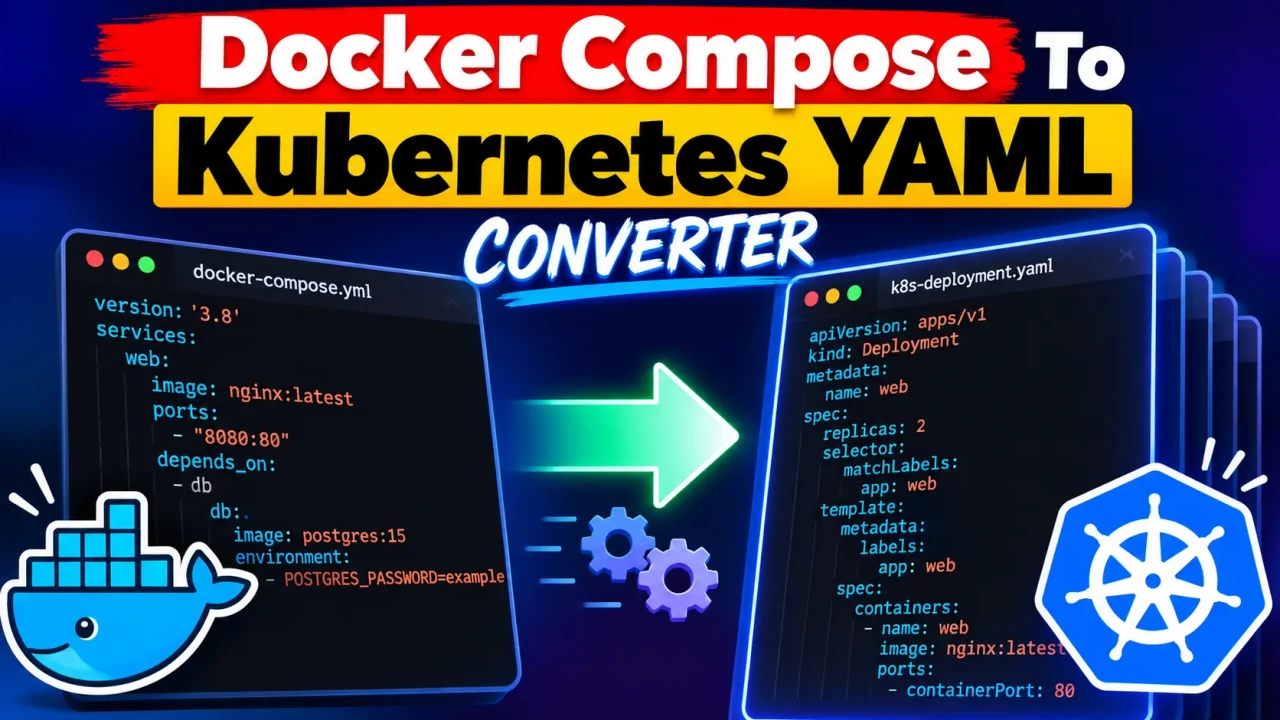
Docker Compose To Kubernetes Yaml
Quick answer: Docker Compose To Kubernetes Yaml is a developer utility intended to convert Docker Compose configuration into Kubernetes YAML manifests. It helps developers translate container services, image references, ports, environment variables, volumes, and related deployment settings into Kubernetes resource definitions. The exact mappings depend on the Compose configuration and the converter's supported features.
Docker Compose and Kubernetes both manage containerized applications, but they describe workloads differently. Docker Compose typically defines an application through a YAML file containing services, networks, volumes, and configuration settings. Kubernetes uses separate resource definitions, such as Deployments, Services, ConfigMaps, PersistentVolumeClaims, and Secrets, to describe how applications should run inside a cluster.
The Docker Compose To Kubernetes Yaml tool is designed for developers, DevOps engineers, platform engineers, and teams migrating containerized applications toward Kubernetes. Its purpose is to reduce repetitive configuration work while providing a starting point for Kubernetes deployment manifests.
Key Takeaways
- Input: A Docker Compose YAML configuration.
- Output: Kubernetes YAML resource manifests.
- Primary use case: Translating Compose-based application definitions into Kubernetes-oriented configuration.
- Important consideration: Generated manifests should be reviewed for Kubernetes compatibility, storage requirements, security, networking, and deployment behavior.
How to Use Docker Compose To Kubernetes Yaml?
- Prepare the Compose file. Start with a valid
compose.yamlordocker-compose.ymlcontaining the services and configuration you want to migrate. - Enter the configuration. Paste or provide the Compose YAML using the input method supported by the converter.
- Run the conversion. Use the converter's available action to generate Kubernetes YAML.
- Review the manifests. Inspect the generated resources, correct environment-specific settings, and validate the result before deployment.
The exact input controls, conversion options, error handling, and export behavior depend on the deployed implementation of this tool.
Docker Compose Input and Kubernetes Output Example
The following example illustrates the general transformation from a Compose service to Kubernetes resources. It is an illustrative example of the conversion concept, not a verified output from the live converter.
Example input: Docker Compose
services:
  web:
    image: nginx:1.27
    ports:
      - "8080:80"
    replicas: 2
Note: The example above is not valid standard Docker Compose syntax because replicas is not a standard service-level Compose property. For a valid deployment-oriented example, use the following configuration:
services:
  web:
    image: nginx:1.27
    ports:
      - "8080:80"
    deploy:
      replicas: 2
Illustrative Kubernetes output
apiVersion: apps/v1
kind: Deployment
metadata:
  name: web
spec:
  replicas: 2
  selector:
    matchLabels:
      app: web
  template:
    metadata:
      labels:
        app: web
    spec:
      containers:
        - name: web
          image: nginx:1.27
          ports:
            - containerPort: 80
---
apiVersion: v1
kind: Service
metadata:
  name: web
spec:
  selector:
    app: web
  ports:
    - port: 8080
      targetPort: 80
  type: ClusterIP
This illustrative output creates a Deployment with two replicas and a ClusterIP Service. The Service makes the application reachable inside the cluster; it does not automatically expose port 8080 to external clients. External access may require an Ingress, Gateway, LoadBalancer Service, or another cluster-specific networking configuration.
Docker Compose to Kubernetes Mapping Reference
Compose properties and Kubernetes resources do not always have a one-to-one relationship. The following table describes common conceptual mappings that migration tools may use. It is a general Kubernetes reference, not a confirmed feature matrix for this specific converter.
| Docker Compose setting | Possible Kubernetes representation | Important consideration |
|---|---|---|
services.*.image |
Container image in a Pod template | Ensure the cluster can pull the image from its registry. |
services.*.ports |
Container ports and a Service | Host port mappings and Kubernetes Service ports have different semantics. |
services.*.environment |
Container environment variables, ConfigMap, or Secret references | Sensitive values should not be placed in plaintext manifests. |
services.*.volumes |
Volume mounts, Volumes, or PersistentVolumeClaims | Host paths and named volumes require deliberate storage migration decisions. |
services.*.deploy.replicas |
Deployment.spec.replicas |
Replica settings must be compatible with the selected workload and orchestration behavior. |
services.*.healthcheck |
Readiness, liveness, or startup probes | Probe commands, timing, and failure thresholds require appropriate translation. |
services.*.depends_on |
Application startup and readiness design | Kubernetes does not directly reproduce Compose dependency ordering with an equivalent field. |
services.*.networks |
Kubernetes networking, Services, and possibly NetworkPolicies | Compose network isolation and DNS behavior need cluster-specific design. |
services.*.configs |
ConfigMap or mounted configuration | Mount paths and file contents must be preserved appropriately. |
services.*.secrets |
Kubernetes Secret references | Secret manifests require suitable access controls and secure handling. |
How Does Docker Compose to Kubernetes Conversion Work?
A Compose-to-Kubernetes converter interprets an application description and translates compatible settings into Kubernetes resource structures. The general process involves identifying services, extracting container configuration, and representing the resulting workloads through Kubernetes APIs.
- Parse the YAML: Read the Compose document and identify its services, images, ports, environment variables, volumes, and other declarations.
- Map container workloads: Represent long-running services using suitable Kubernetes workload resources, commonly Deployments or StatefulSets depending on the application.
- Translate connectivity: Define Services and related resources where needed to establish communication between workloads or expose applications.
- Represent configuration and storage: Determine how configuration files, environment variables, credentials, and persistent data should be provided to the Pods.
- Generate resource documents: Produce Kubernetes YAML that can be reviewed, validated, and adapted to the target cluster.
This describes the general migration methodology. The exact parsing rules and generated resource types supported by the ToolHox converter have not been independently established here.
Technical Limitations and Edge Cases
Service dependencies
Compose's depends_on setting can describe startup dependencies, but Kubernetes does not offer a direct equivalent that guarantees the same startup sequence. Applications should handle dependency readiness through retries, readiness checks, and suitable service-discovery behavior.
Persistent storage
A Compose named volume is not automatically equivalent to a production-ready Kubernetes PersistentVolumeClaim. Storage classes, access modes, permissions, backup procedures, and data migration need to be considered before deployment.
Environment variables and secrets
Environment variables can be represented directly in a container specification or externalized through ConfigMaps and Secrets. A conversion result should be inspected for plaintext credentials and inappropriate exposure of sensitive configuration.
Port mappings
A Compose mapping such as 8080:80 expresses host-to-container port publishing. Kubernetes Services use a different model involving service ports, target ports, and service types. A generated ClusterIP Service alone does not provide public access.
Unsupported or advanced Compose features
Build instructions, profiles, custom networks, platform constraints, resource limits, device access, and runtime-specific settings may require manual changes. The availability of direct mappings for these features depends on the converter implementation.
Validation before deployment
Review the generated files and validate them against the target Kubernetes environment. For example, Kubernetes provides kubectl apply --dry-run=client -f for client-side validation workflows and kubectl apply --dry-run=server -f for server-side validation against a cluster. Neither replaces application-level testing or a review of runtime behavior.
kubectl apply --dry-run=client -f kubernetes.yaml
kubectl apply --dry-run=server -f kubernetes.yaml
Official Technical References
- Docker Compose documentation — reference for Compose files, services, configuration, networks, and volumes.
- Kubernetes concepts documentation — reference for workloads, Services, storage, configuration, and cluster resources.
Technical Disclaimer: Generated Kubernetes YAML is a migration starting point, not a guarantee of behavioral equivalence with Docker Compose. Validate resource definitions, security controls, networking, storage, and application behavior before using them in production.
Author: Daniel Mercer — Software Engineer specializing in container orchestration and deployment configuration.
Technical Review: The conversion concepts and Kubernetes resource examples should be reviewed against the official Docker Compose and Kubernetes documentation. This content does not claim that the live converter's implementation or generated output has been independently tested.
